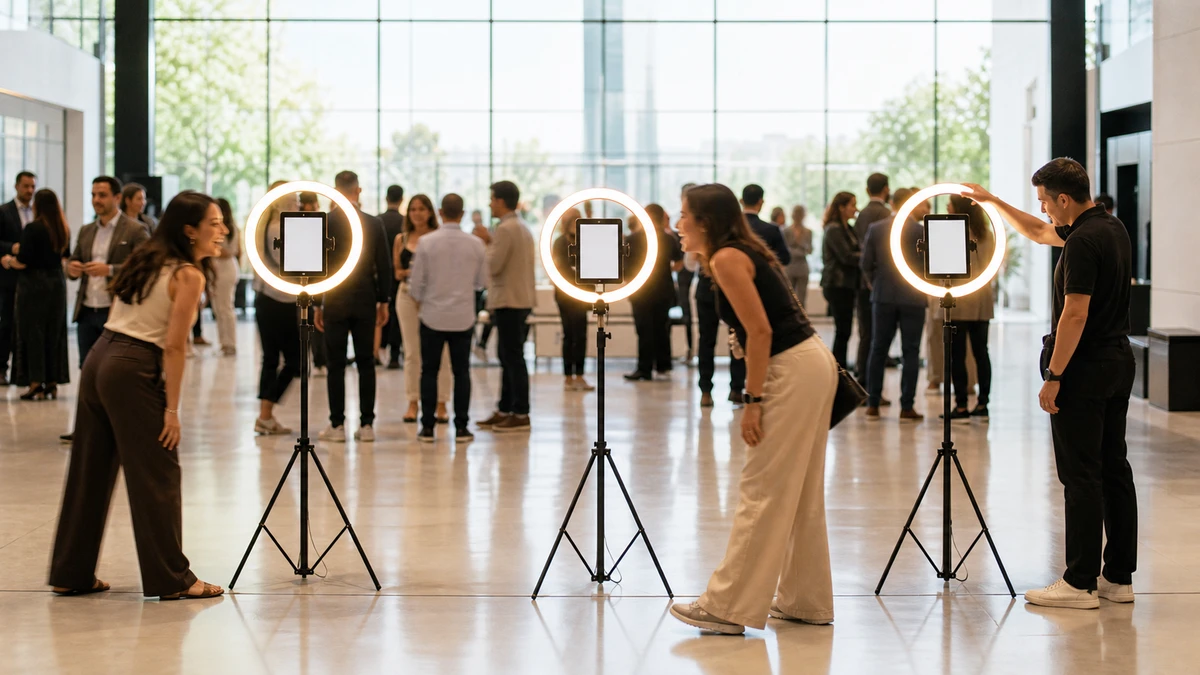
If you run more than two or three iPad photo booths, the “kiosk mode” your booth software ships is not enough. An iPad that travels, sits unattended at midnight, and gets handled by sub-contracted staff needs iOS-level lockdown through Mobile Device Management (MDM) enrolled via Apple Business Manager. MDM gives you four things your booth app’s kiosk toggle cannot: a bypass-proof single-app lock, zero-touch setup on new devices, remote Lost Mode backed by a server-side Activation Lock escrow, and the ability to defer iPadOS updates out of event season.
Why the In-App “Kiosk Mode” Your Booth Software Ships Is Not Enough
“Kiosk mode” means three completely different things, and operators routinely confuse them.
In-app kiosk mode is what ships inside Booth.Events, Simple
In-app kiosk mode is what ships inside Booth.Events, Simple Booth HALO, LumaBooth, Curator, and Snappic. The app refuses to change events or exit to its own menu. That is all it does. The Booth.Events help center acknowledges the limit directly: “If you want to restrict guest access but still be able to control the iPad manually, we recommend using the Exit Passcode instead.” Even the vendor treats it as a soft lock. A guest who presses the sleep button four times, swipes up to Control Center, or knows the Apple ID password on the device can exit the booth experience, open Safari, or factory-reset the tablet.

Guided Access is Apple’s built-in accessibility feature. It locks one app behind a four-digit passcode. 42Gears’ 2026 explainer lays out the limits: “Restarting the iPad automatically exits Guided Access. Not ideal for unattended or public-facing kiosks. Not suitable when managing a fleet of devices, as it needs to be configured per device.” Fine for one borrowed iPad for an afternoon. Useless for ten.
iOS Single App Mode (SAM) is the real lockdown. It is pushed by MDM to a supervised device, survives reboots, blocks Control Center edge swipes, and cannot be exited from the iPad itself, only by an MDM command. SimpleMDM’s engineering write-up (Pepper, 2025) puts it plainly: “Kiosk mode on iOS, also known as Single App Mode (SAM), is a feature for supervised iPhones and iPads that restricts the device to running only one app. The Home button, Settings, and other apps are disabled.” Single App Mode requires supervision, which means enrolling the device through Apple Business Manager or Apple Configurator.
When you read “kiosk mode” on a vendor page, ask which of the three they mean. The difference shows up at the venue at 11 PM when a guest outsmarts the app-level lock.
The Four-Layer Fleet Stack
A managed photo-booth iPad is the output of four stacked decisions, in this order:
- Enrollment — get the iPad into supervised state through Apple Business Manager, either automatically for new devices or via Apple Configurator for iPads you already own.
- Lockdown — push a Single App Mode configuration profile so the device pins to the booth app and stays there through reboots, power events, and curious guests.
- Recovery — configure Managed Lost Mode and organization-linked Activation Lock so a device that does not come home on Sunday is recoverable, not bricked.
- Updates — use supervised-device controls to defer iPadOS updates and schedule booth-app updates around the booking calendar instead of around Apple’s release cycle.
Each layer rests on the one before it. Skip enrollment and none of the other three are available to you.
Layer 1: Enrollment via Apple Business Manager
Apple Business Manager (ABM) is free. Setting up an account and verifying your domain costs nothing. The paid piece is the MDM service you link to it. What you get in exchange for the setup work is the ability to supervise devices, and supervision is the gate that every interesting capability sits behind.
Two enrollment paths, depending on where the iPad came
Two enrollment paths, depending on where the iPad came from.
New iPads purchased through Apple Business, an ABM-linked reseller, or authorized cellular carriers can be added to your ABM tenant at the point of sale. When the iPad is unboxed and connected to Wi-Fi, Automated Device Enrollment (ADE) walks Setup Assistant into your MDM automatically. Fleet’s January 2026 iPad MDM guide (Walters, 2026) describes the resulting flow: “Devices automatically contact Apple services and walk the end user through a guided Setup Assistant workflow and an automated provisioning process resulting in a fully-managed device on-demand without admin interaction or IT help.” Zero touch. No wipe, no manual profile install.
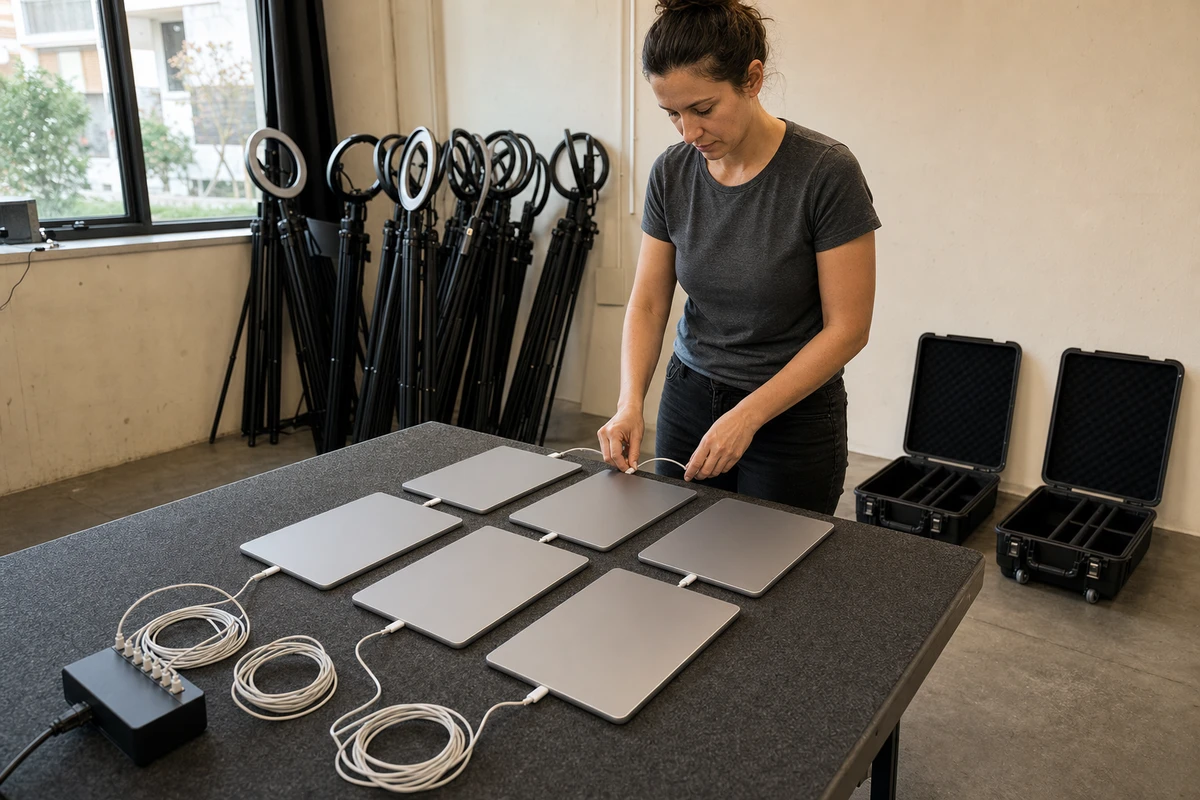
iPads you bought at retail, or the iPad you use at home that has been re-purposed for the booth, follow a different path. Apple’s deployment guide confirms that existing devices can be added to ABM using Apple Configurator for Mac or iPhone over a physical USB connection, one device at a time. After enrollment, there is a 30-day provisional window during which the device recipient can release the iPad from supervision. Once that 30 days elapses, supervision is permanent. Treat this as a weekend project if you have a fleet of retail iPads: plug each in, run Configurator, assign to the MDM, and wait out the 30-day window before assuming full lockdown.
One fact that catches operators off guard: supervision does not reverse cleanly. Fleet’s guide states it directly: “Supervised devices can’t be converted to unsupervised devices without erasing all data contained on them and re-enrolling them into MDM.” The mirror practical point matters too: adding an existing retail iPad to supervision via Apple Configurator is a setup-from-scratch, not an in-place upgrade. Either direction, plan the wipe around the event calendar.
The tradeoff for skipping supervision is severe. Unsupervised iPads can accept a handful of MDM commands (app push, config profiles, remote wipe), but they cannot enter Single App Mode, cannot use organization-linked Activation Lock, and cannot defer iPadOS updates. For a moving booth, that is not an MDM; that is a glorified app pusher.
Layer 2: Lockdown with Single App Mode
Once the iPad is supervised and enrolled, Single App Mode is a configuration profile push. You specify the bundle ID of your booth app in the Single App Lock payload, apply the profile to the device group, and the iPad pins to that app on next check-in. Pressing the home button does nothing. Control Center edge swipes are suppressed. A hard reboot brings the device back up in the same app. The only exit is an MDM command.
One constraint trips up every operator the first time:
One constraint trips up every operator the first time: you cannot update the app while the device is in SAM. SimpleMDM spells it out: “Apps cannot be updated while the device is in Single App Mode. You’ll need to temporarily exit Single App Mode to perform any pending app updates.” This creates a required ritual, which we cover in Layer 4.
A few things to push alongside the Single App Lock profile, in the same configuration package:
- Disable app installation and removal. The device should not be able to add or delete software.
- Disable AirDrop. Guests at an event with a booth they can AirDrop to will AirDrop to it.
- Disable iCloud photo sync on the device. Guest photos should not land in a staff member’s personal iCloud library. This is a GDPR concern for any booth running in Europe and a data-hygiene concern everywhere.
- Disable screen recording and screenshots of the booth app if your capture workflow is sensitive.
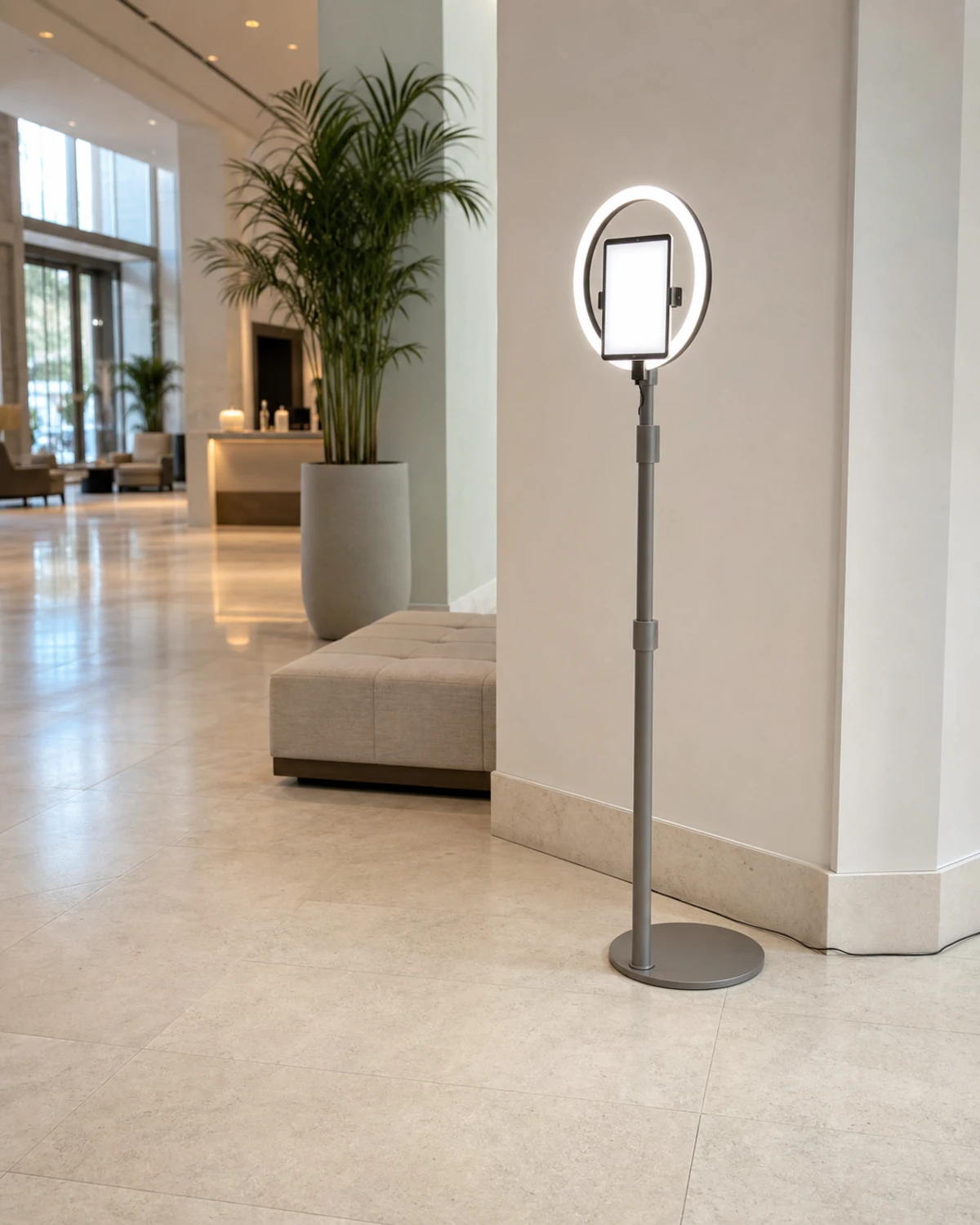
If your booth software vendor supports Autonomous Single App Mode (ASAM), the app itself can enter and exit SAM without an MDM round trip, which helps when an operator steps in for maintenance. ASAM requires explicit developer support. As SimpleMDM notes, “Apps must be developed to support ASAM; it won’t work on just any app.” Ask your booth-app vendor directly whether their iPad app declares ASAM entitlements; most photo-booth apps do not.
Layer 3: Recovery on Sunday Morning
An iPad does not come home after a Saturday activation. What happens next depends entirely on decisions you made weeks before the event.
Connectivity
Case A: the iPad was supervised through ABM, and your MDM is configured for organization-linked Activation Lock. You open the MDM console, trigger Managed Lost Mode, and the device locks with a custom message and contact details. Fleet describes the state: “Managed Lost mode can immediately secure an iPad by locking out controls and the touch screen while displaying a custom message with IT contact information.” If the device is on cellular or hits Wi-Fi, you get a location ping. If recovery fails, you remote-wipe. Apple’s deployment guide on Activation Lock explains why this path is clean: “Allowing organization-linked Activation Lock means the device management service (not the user) contacts Apple servers directly to lock or unlock the device. Because this happens entirely server-side, there are no dependencies on user actions or the state of their device.” The unlock is server-to-server. You can redeploy or resell the hardware. No paperweight.
Case B: the iPad was enrolled under a staff member’s personal Apple ID, Find My is on, and Activation Lock is user-linked. If that staff member cannot or will not authenticate (left the company, locked out of their iCloud, simply unreachable on a Sunday morning), you reach for the bypass code. Apple’s guide adds a constraint that is easy to miss until it matters: “On iPhone and iPad, the bypass codes are available for up to 15 days after the device is first supervised, or until a device management service obtains — and then clears — the code explicitly. If a device management service doesn’t retrieve the bypass code within 15 days, that bypass code is unretrievable.” If your MDM did not fetch the code inside the 15-day window, or if you never enrolled through ABM in the first place, the iPad is permanently locked. Apple will not help. The tablet is a brick.
A numeric scenario you can plug your own numbers into. A 10-booth fleet at $1,000 per iPad represents $10,000 in deployed hardware. Jamf Now at $4 per device per month (the public 2026 anchor price for SMB-tier MDM) costs $480 per year across 10 iPads. Assume a conservative half-percent incident rate across 50 events per year per device; that works out to roughly 2.5 walk-off or damage events across the full fleet per year. Four years of MDM across 10 iPads cost $1,920. One iPad that gets recovered via Managed Lost Mode, or cleanly re-provisioned after remote wipe rather than bricked by a user-linked Activation Lock, pays for more than half of those four years. The math gets better the larger the fleet, because MDM fees scale linearly with device count while MDM is what converts a $1,000 hardware loss into a zero-dollar loss plus the cost of re-enrollment.
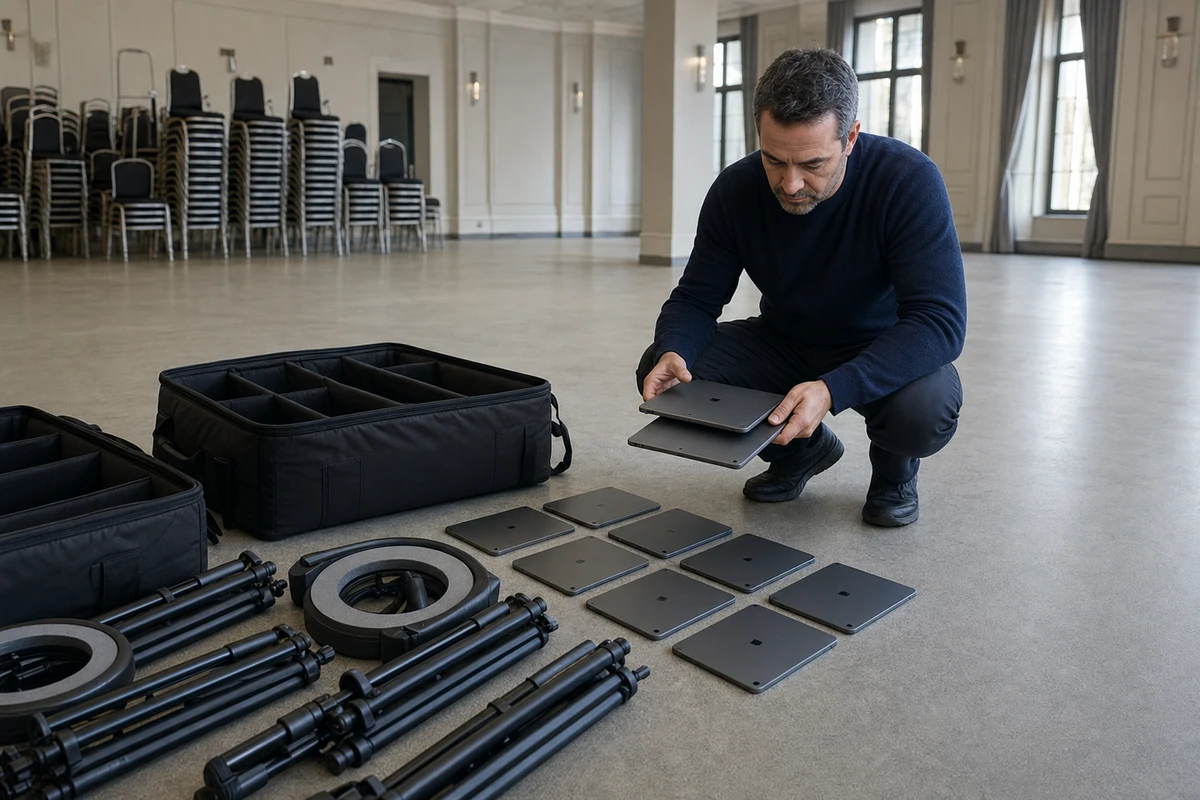
Two practical instructions for the recovery layer:
- Use organization-linked Activation Lock via ABM. Do not rely on anyone’s personal Apple ID.
- Confirm in your MDM settings that Activation Lock bypass codes are being fetched and escrowed within the first 15 days of supervision. Verify this once per device group.
Layer 4: The Update Ritual
MDM gives supervised iPads two update controls that unmanaged devices do not have: deferral of iPadOS releases, and scheduled enforcement of a specific version.
IPadOS minor update deferral
Apple’s deployment guide on software updates confirms the window: “Deferring a software update or upgrade from 1 to 90 days is done using the com.apple.configuration.softwareupdate.settings declaration on supervised iPhone, iPad, and Mac devices. A configured deferral defines the number of days before an organization offers a release to users after it becomes publicly available.” Ninety days is enough to get past most event-weekend release collisions. The failure mode it prevents, in operator language, is “iPadOS auto-updated at 3 AM and the camera permissions reset,” a recurring complaint in operator forums that MDM simply removes from the table.
IPadOS major version pinning
When Apple ships a new major release, booth-app vendors typically need 2–6 weeks to certify compatibility. Pin the fleet to the previous major version until your booth vendor confirms the new one is safe. The deferral mechanism is the same declaration, used conservatively.
The booth-app update ritual
Because apps cannot update while the device is in SAM, updating the booth app is a four-step ritual, not a one-click push:
- Schedule a weeknight window with no events booked for the next 48 hours.
- Disable or detach the Single App Lock profile from the device group. The iPad exits SAM.
- Push the app update (or let scheduled App Store updates run) and confirm the app opens and that camera, microphone, and photo-library permissions are still granted.
- Re-apply the Single App Lock profile. The iPad re-enters SAM.
Step 3 is where operators new to fleet management get caught. Permissions occasionally reset across major app updates. Finding out at 6 PM on a Saturday that the camera permission is off is a different experience than finding out on Wednesday evening.
Battery health
MDM consoles report per-device battery health. Apple specifies that iPad batteries retain up to 80% of original capacity at 1,000 complete charge cycles. A booth iPad running 50 bookings per year with two full charges per booking accumulates roughly 100 cycles per year, meaning a three-year-old device sits near 300 cycles and is well inside the spec. The concern is not year three; it is year five, or the device that does 150 events per year on the road. Watch the per-device health number and retire iPads before the first six-hour reception where the battery gives up at hour four.
How to Choose an MDM for a Photo-Booth Fleet
Not a vendor shootout, a decision framework. The right MDM depends on fleet size and operator profile.
Under 5 iPads
Apple Business at business.apple.com includes built-in device management at no additional charge, with optional paid storage and AppleCare+ add-ons. It runs through ABM natively and is the lowest-friction entry point. Apple Business Essentials, the prior standalone product, appears to have been absorbed or discontinued as of 2026. Confirm current pricing and scope at business.apple.com before you commit.
5–30 iPads
SMB-tier MDMs such as SimpleMDM, Mosyle Business, and Iru (formerly Kandji) fit this band. Public per-device pricing for these vendors is mostly gated behind quotes as of 2026, so budget around the verified public anchor: Jamf Now at $4 per device per month. Treat anything under that number as a pleasant surprise.
30+ iPads or multi-operator franchise
Jamf for Mobile (published at $5.75 per device per month, 25-device minimum) adds role-based administration, smart device groups for dispatching profiles per event, and audit logging that enterprise procurement teams ask for when a brand hires you for a national activation.
Never acceptable
“No MDM, just Guided Access” as the policy for a fleet of more than two iPads. The per-device manual configuration time exceeds any realistic MDM subscription fee within a few months.
Features that matter to a booth operator specifically, beyond the generic MDM feature set:
- ABM and ADE support for zero-touch enrollment. Table stakes, but worth confirming on the vendor’s site.
- Remote Managed Lost Mode with a fast, reliable console UI. You will use this at 8 AM on a Sunday with one hand and a coffee in the other.
- Scheduled configuration dispatch. Pushing a per-event profile (network settings, branding assets, booth-app settings) to a specific device group on a specific Friday afternoon is a weekly need, not an occasional one.
- LTE/cellular iPad compatibility. Guest Wi-Fi at venues is unreliable. An iPad with its own cellular plan is reachable for MDM commands whether the venue’s router is cooperating or not.
A 90-Day MDM Rollout for an Existing 10-Booth Operator
If you are running ten retail-bought iPads today with Guided Access and duct tape, this is the migration plan.
Week 1
Create an Apple Business Manager account, verify your domain, and enroll in a trial MDM. Use the free tier or trial credits to test before paying. Open a support request with Apple’s enterprise team to confirm the Apple Configurator workflow for your specific mix of retail-bought devices.
Week 2
Buy one new iPad through Apple Business so you can run the full stack on a clean device: ADE enrollment through ABM, then supervision, then the Single App Lock profile, then a staged Managed Lost Mode test. Prove the stack works end-to-end on a single device before touching the fleet.
Weeks 3–10
Wipe and re-enroll two existing iPads per week on off-event days. Physical Apple Configurator over USB, as Apple’s deployment guide describes. Keep two “old-config” iPads in service as backup while migration is in progress. Document the ritual the first time and follow it the next six weeks. The 30-day provisional window means the earliest devices in the migration become permanently supervised roughly when the last devices come online.
Week 11
Configure iPadOS deferral at the 90-day maximum, set up per-event dispatch groups, and verify your Activation Lock bypass codes are being escrowed correctly for every device. This is the Layer 3 and Layer 4 wiring, done once and rarely touched again.
Week 12
Run a full-fleet drill. Walk off with one iPad at the end of a Saturday, trigger Managed Lost Mode on Sunday morning, and time the recovery. You want a number, not a feeling. A fleet drill once a year is how you find the one misconfigured device before it becomes the one that disappears.
FAQ
Can I put an iPad in Single App Mode without MDM? Yes, using Guided Access, but per 42Gears (2026) Guided Access exits on reboot and must be configured per device by hand. It is a single-device tool, not a fleet tool.
Does MDM let me see what my booth app is doing? No. MDM manages the device: its version, lock state, location, Activation Lock, configuration profiles. The booth app’s content, event settings, templates, and guest interactions live in the booth vendor’s own dashboard. You need both.
Will guests’ photos sync to iCloud? Not if your MDM restrictions profile disables iCloud Photo Library on the device. That is a configuration choice you make at the profile level.
What happens if the iPad goes offline during an event? Single App Mode stays active. The configuration profile is resident on the device, not fetched at runtime. MDM commands (updates, unlock, Lost Mode) queue on the MDM server and execute when the iPad reconnects.
Does my booth app support Autonomous Single App Mode? Ask your vendor. ASAM requires explicit developer support and is not a default iOS capability. Most photo-booth apps do not declare ASAM entitlements; a few do.
Sources
- Apple Inc. (2026). “Activation Lock on Apple devices.” Apple Platform Deployment User Guide. https://support.apple.com/guide/deployment/activation-lock-depf4ab94ef1/web
- Apple Inc. (2026). “Use device management to deploy software updates.” Apple Platform Deployment User Guide. https://support.apple.com/guide/deployment/device-management-deploy-software-updates-depafd2fad80/web
- Apple Inc. “Battery and Performance — service and recycling.” Apple.com. https://www.apple.com/batteries/service-and-recycling/
- Walters, Brock (2026). “iPad MDM: A Complete Guide.” FleetDM, January 13, 2026. https://fleetdm.com/articles/ipad-mdm-a-complete-guide
- Pepper, Andrea (2025). “What is iOS kiosk mode? How to enable & manage Single App Mode.” SimpleMDM Blog, updated May 22, 2025. https://simplemdm.com/blog/how-to-use-ios-single-app-mode/
- McLoughlin, Shane. “How to: Kiosk Mode.” Booth.Events Help Center. https://help.booth.events/article/66-kiosk-mode
- Kesarwani, Upasna (2026). “iPad Kiosk Mode: 3 Ways to Lock Your iPads into Single App Mode.” 42Gears Blog, February 2, 2026. https://www.42gears.com/blog/ipad-kiosk-app-lock-apps-on-ipad-single-app-mode/
- Jamf (2026). “Jamf Pricing for Business.” Jamf.com. https://www.jamf.com/pricing/