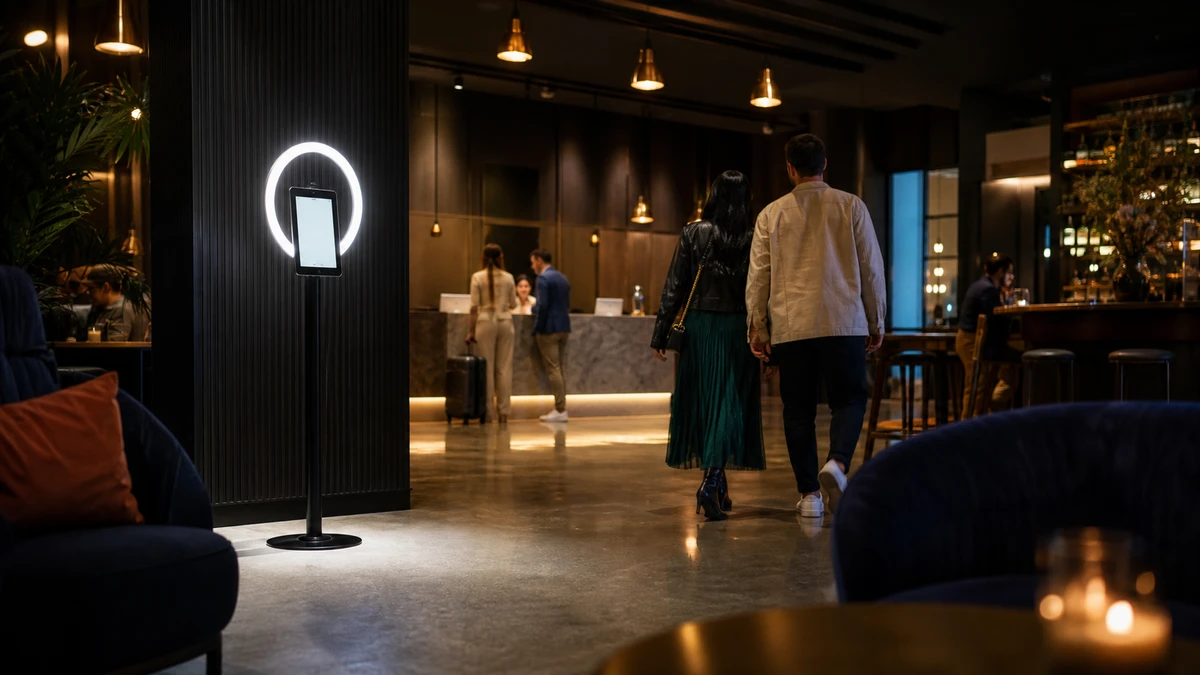
A self-serve photo booth sits in the corner of a hotel lobby. It is nine o’clock on a Tuesday, the front desk is busy with check-ins, and no one on the property has looked at the booth since the weekend. A guest taps the screen, the app does not respond, and the guest drifts back toward the elevators. Nothing broke loudly. Nothing got reported.
That quiet failure is one of six distinct risks a venue takes on when it runs a photo booth with no one assigned to it. The others are device theft, premises liability, content and brand safety, guest-data and biometric privacy, and a gap in insurance coverage most operators never check. Each one has a control that costs little. The mistake is treating “unattended” as a staffing decision when it is a risk-management decision. Unattended photo booth risk management means naming all six exposures before the booth goes live and putting an owner next to each. This guide turns them into a one-page register a venue can fill in and review every quarter.
How an Owned, Always-On Booth Changes the Risk Picture
A rented event booth runs for four hours. The rental company’s attendant stands beside it, the rental company’s policy covers it, and when the event ends the booth leaves. A booth a venue buys and installs is a different object. It runs for weeks or months on a public floor, and no single person is assigned to watch it.
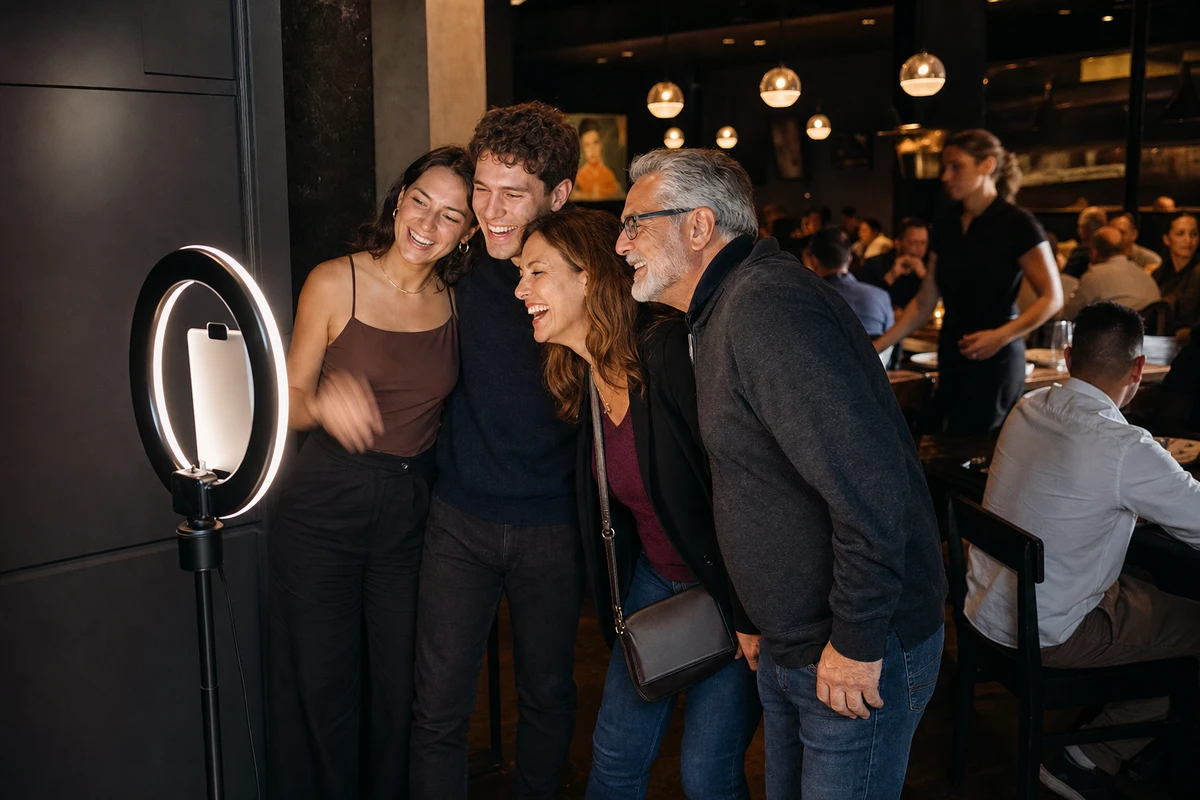
The “guests” change too. At an event, the booth serves a known, invited crowd. On a restaurant floor or in a bar near closing, it serves the general public: walk-ins, children, patrons several drinks in. The operator cannot brief them, cannot hand them a prop, cannot read the room.
Because the booth is a fixture of the premises, the risk moves with it: no longer the rental vendor’s problem, now the venue’s. That shift is why most rental-operator advice online does not transfer. Those articles weigh whether to send an attendant to someone else’s event; a venue owner faces a harder question, which is how to run an owned machine safely with no attendant at all. The cost trade-off, staffed hours against self-serve, is a separate question. This guide covers the risk side.
Risk 1 — Device Theft and Tampering
An iPad on an open floor, screen lit, is the most visible target in the room, and the exposure is not only the tablet. Replacing a stolen or vandalized iPad with its locking enclosure and floor stand runs roughly $700 to $1,200 at current retail pricing, more with a premium kiosk mount, and the booth stays dark until the replacement enclosure ships.
The controls cost little against that. A locking enclosure fixed with security screws, a bolted or weighted floor mount, and a camera with a clear sightline handle physical theft. The more important control is software. An iPad locked into single-app or kiosk mode turns a stolen tablet into a locked slab with no resale value, because the thief cannot exit into settings, email, or the App Store. Mobile device management (MDM) enrollment adds remote lock and remote wipe.
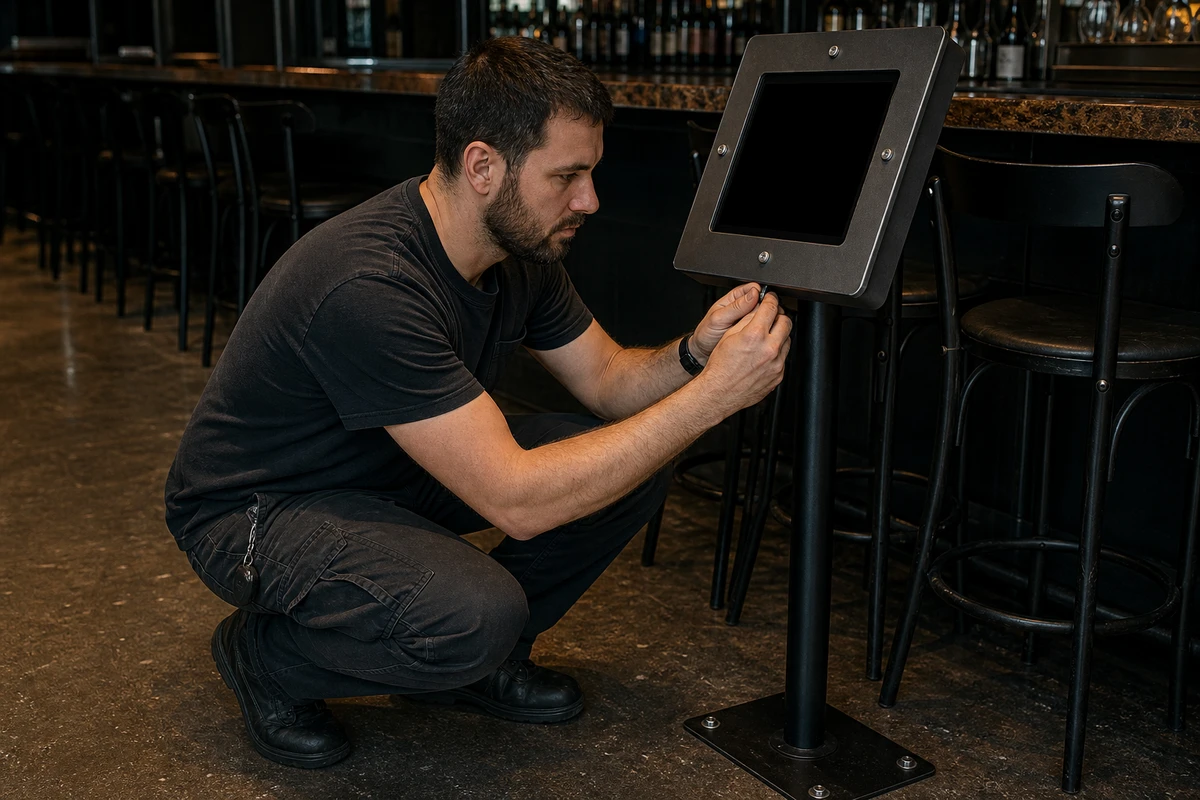
Kiosk lockdown does double duty. It strips the resale value from a stolen tablet, and it stops an ordinary guest from closing the photo app, opening a browser, or changing the booth’s settings while waiting for a friend. A booth that cannot be driven off the photo screen does exactly one thing in public, which is the point of installing it.
Risk 2 — Physical Safety and Premises Liability
A guest catches a foot on the booth’s power cable and goes down in a walkway. At a rental event, that is the rental company’s incident. With an installed booth, it is the venue’s premises liability claim, because the booth is now part of the building the venue invites the public into.
The hazards are ordinary and physical. A floor stand that is not weighted or bolted can tip when a guest leans on it. Power and lighting cables crossing a walkway are trip hazards, and a unit running all day draws current and gives off heat. Placed in an egress path, the booth becomes a crowding problem the moment three guests queue for it.
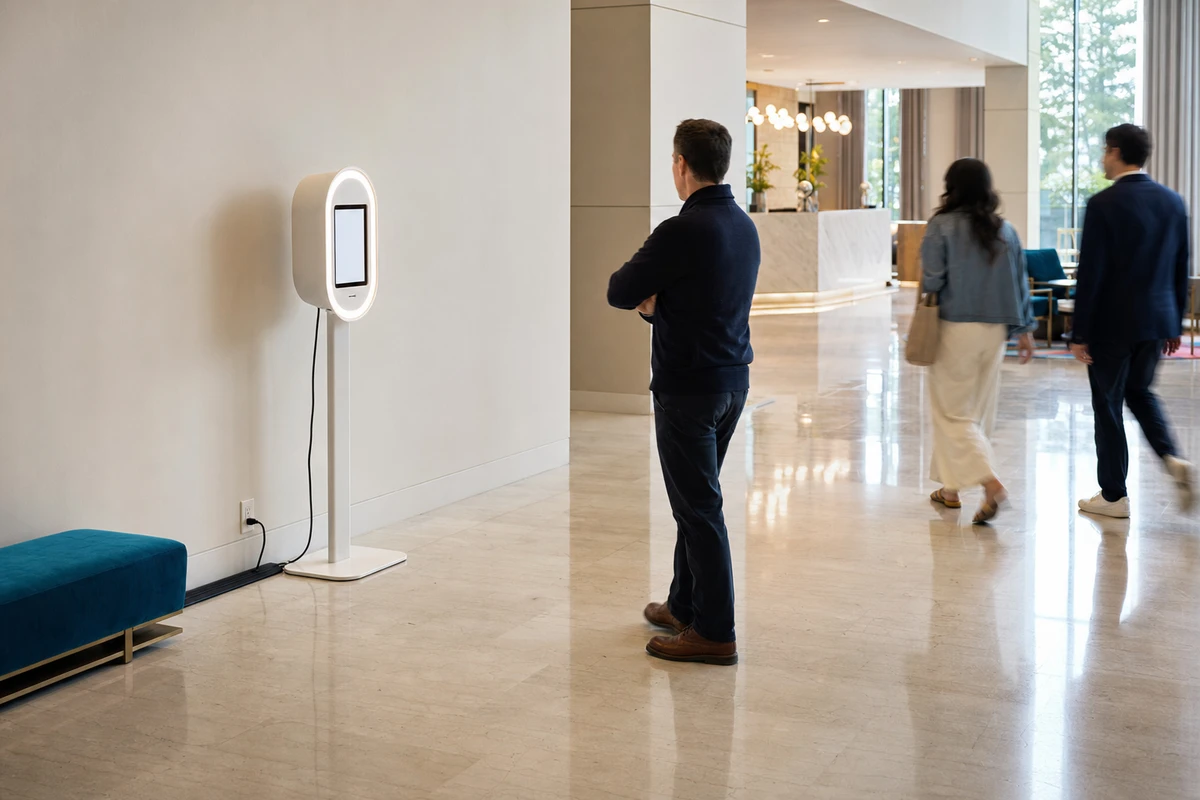
Accessibility belongs in the same section, and most guides skip it. A public-facing kiosk has operable parts, and under the ADA Standards for Accessible Design (Section 308), an unobstructed forward reach must top out at 48 inches above the floor. A touchscreen mounted higher than that fails the standard. The U.S. Access Board has had kiosk-specific rules in development since a 2022 advance notice, with a proposed rule in 2024 and no final rule as of 2026, so the existing 48-inch reach range is the standard to design against now. A screen a guest using a wheelchair cannot reach is not just an awkward design choice; it is the basis for an ADA complaint. The controls: route and cover cables, weight or anchor the base, place the booth clear of egress paths, set the screen within reach range, and write down the placement decision so there is a record of the reasoning.
Risk 3 — Silent Downtime
A printer jams at two in the afternoon. The booth keeps showing its welcome screen, guests keep tapping it, and the photos simply stop reaching anyone. Nothing on the floor looks wrong. A crashed app, a full storage drive, a dropped network connection all fail the same silent way, and the operator finds out days later, if at all. Operator forums describe the same fear in plain words: a booth that “dies and no one notices,” and a guest who cannot tell whether the machine is broken or whether they started the session wrong.
The cost is easy to underestimate because nothing visibly breaks. Take a brewery taproom whose booth has been averaging about 25 captured email addresses a day from patrons who want their photos sent to them. Give each address a working value. A conservative estimate for a venue with a repeat-customer program is around $30 in eventual revenue per subscriber, counting return visits and the events the list helps book. That is roughly $750 a day in marketing pipeline moving through the booth. Now the network adapter drops on a Friday and no one notices until the next Wednesday. Twelve days of silent downtime erases close to $9,000 in captured pipeline, likely more than the booth’s entire annual operating cost, and no incident report is ever filed because nothing looked broken. The exact figures are illustrative. The shape of the loss is not: a daily capture rate, multiplied by what each contact is worth, multiplied by the days no one noticed.
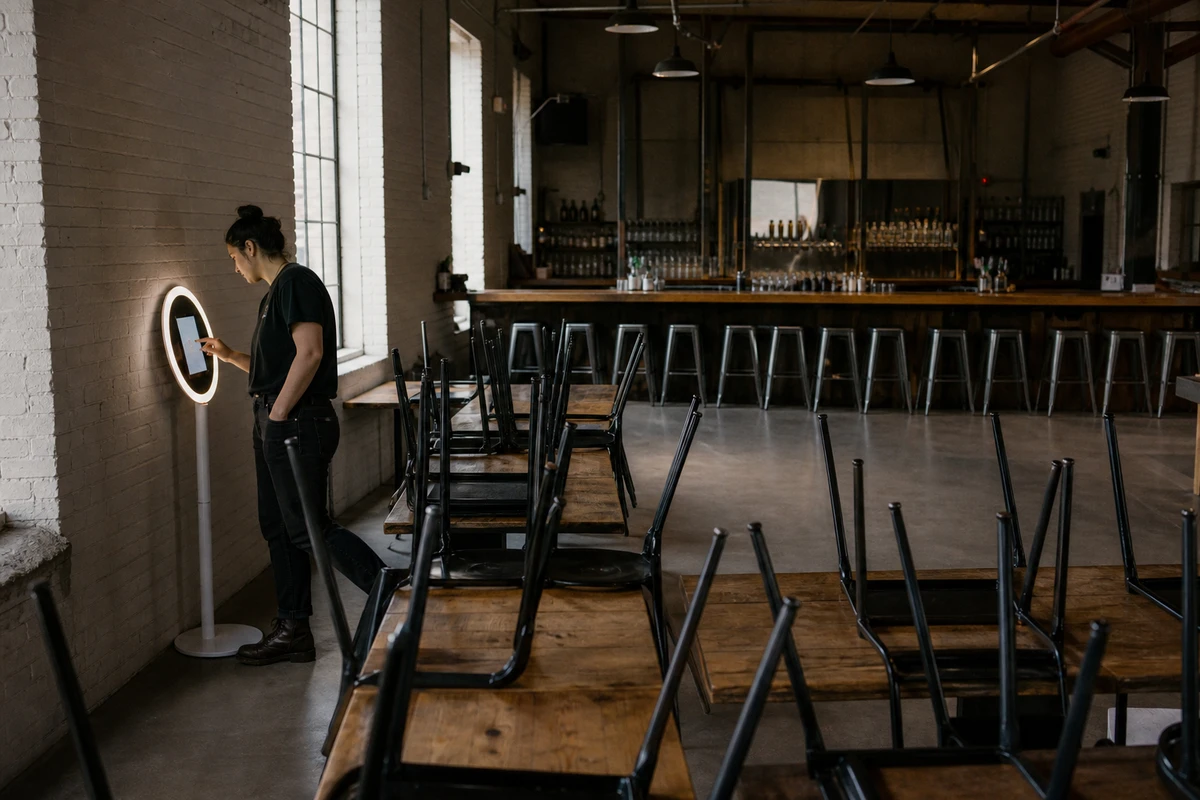
The controls attack the silence, not the parts. Remote monitoring with uptime alerts flags an offline device the same day. Digital delivery, sending photos by text or email instead of printing, removes the printer, the single most common jam point. An app that can capture while offline keeps a network blip from zeroing out the day. And one named person doing a ten-second visual check at the start of each shift catches what the software misses.
Risk 4 — Content and Brand Safety
A public booth with no attendant means anyone can put anything in front of the camera. Harmless enough, until the output feeds something the venue owns: a branded gallery, a microsite, a screen behind the bar. At that point the venue is publishing whatever a guest produced, under its own name.
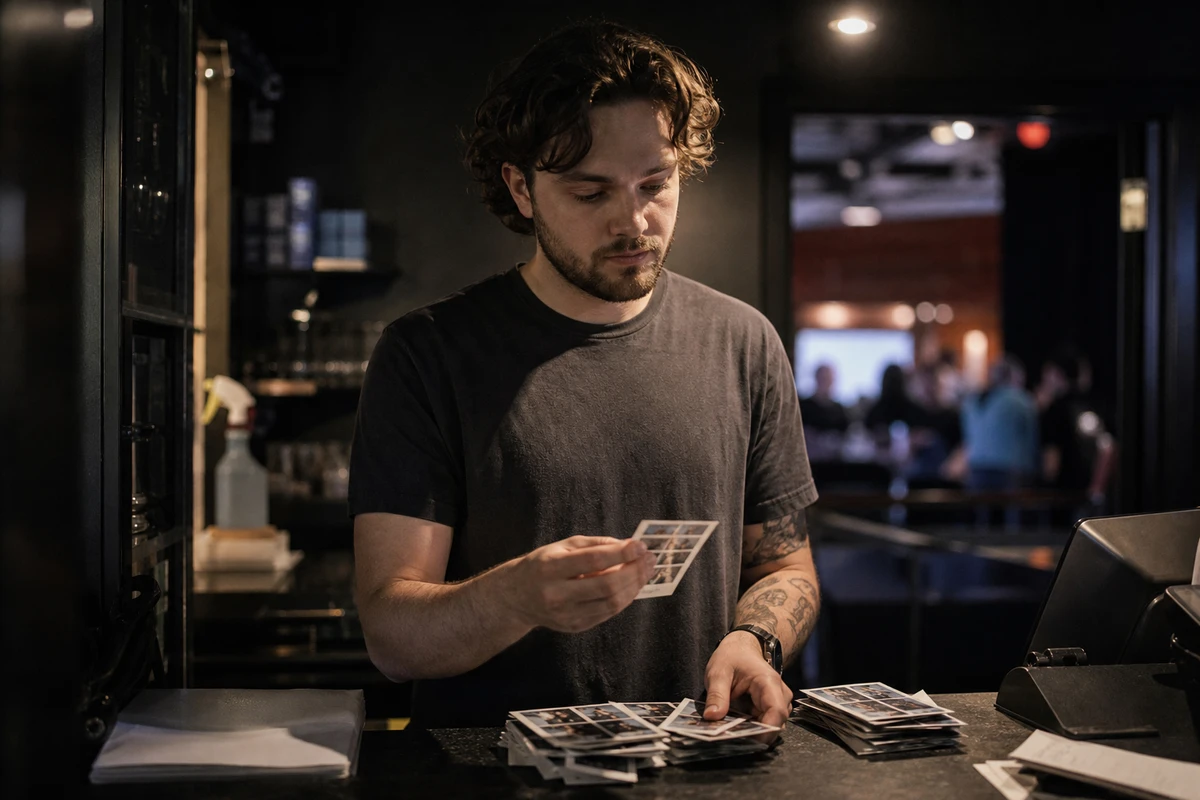
The risk lives in the gap between capture and publication. A booth set to post every photo straight to a public branded feed has closed that gap to zero and removed the venue’s only chance to catch a problem image before customers see it. A branded microsite or overlay multiplies reach, which is the entire marketing case for it, and multiplies a bad image’s reach by exactly the same factor.
The control is to keep a step between the camera and the public. An approval queue holds new photos until a staff member releases them. Automated image moderation, an AI classifier that flags nudity, graphic content, or hate symbols, works as a fast first pass that narrows what a human has to review. The simplest version is to switch off public auto-posting altogether and deliver each photo privately to the guest instead, with a short delay before anything reaches a gallery. On-screen booth rules set expectations before the first tap.
Risk 5 — Guest Data and Biometric Privacy
A booth that emails or texts a photo to a guest has just collected personal data: the image, and a contact address. A booth running a face filter has collected something the law treats far more seriously, and most venues running one have no idea.
Start with the contact data
Start with the contact data. The U.S. Federal Trade Commission’s CAN-SPAM guidance does not require consent before a first marketing email, but every commercial message must carry a working unsubscribe mechanism honored within 10 business days, and each violating email can draw a penalty of up to $53,088. California’s Consumer Privacy Act adds consent-like duties: the right to know what is collected, to delete it, and to opt out of its sale or sharing. Those duties bind businesses above set revenue and data-volume thresholds, so they weigh on larger venues and multi-location operators well before they reach a single small bar. A pre-checked marketing box on the booth screen is a liability dressed up as a list-building win.
The biometric exposure is widely missed, and worth correcting directly. Illinois’s Biometric Information Privacy Act (BIPA) defines a biometric identifier to include a “scan of face geometry.” Illinois courts have repeatedly held that face-filter and AR effects perform exactly that scan, even when nothing is used to identify the person. BIPA requires written notice and a written release before that data is collected, and, as the ACLU of Illinois notes, it is the only such law that lets the people affected sue directly: statutory damages of $1,000 per negligent violation and $5,000 per intentional or reckless one, per person.
Texas and Washington have comparable statutes, enforced by the state attorney general rather than by private lawsuit, according to the Future of Privacy Forum’s analysis of biometric law and AR features. A venue running a face-filter booth on a public floor, with children among its users and no consent screen, is the collecting party under these laws. The booth vendor’s terms do not erase that.
The controls are a plain-language consent screen shown before any face feature loads, visible signage, an unchecked opt-in box, a stated retention-and-deletion policy, and, where a compliant consent screen is not in place, switching facial features off. Disabling face filters removes the highest-stakes exposure outright.
Risk 6 — The Insurance Coverage Gap
Most operators assume one of two policies has them covered: their venue’s general liability policy, or the booth vendor’s insurance. For a permanently installed, unattended booth, both assumptions are shaky.
Two things go wrong
Two things go wrong. First, event and equipment-rental policies are written for attended, time-limited deployments. Industry guidance is consistent that “all risk” policies still carry exclusions, and that leaving equipment unattended is a distinct risk a standard policy may not absorb. Photo-booth educator Catalina Bloch’s guidance is blunt on the point: confirm in writing with a broker that the specific business is covered, because each one differs. Second, a fixture is a premises matter, not an event one. Once the booth is bolted to a venue floor, the right coverage is the venue’s commercial general liability plus a property or equipment endorsement, not an event rider that assumed an attendant and a four-hour window.
There is also the data
There is also the data. Insurance explainers for the trade (Zensurance, 4MeNearMe) note that a booth collecting guest photos and emails creates a breach exposure general liability does not touch, which is what cyber or data liability cover is for. Equipment breakdown cover, where it exists, pays for mechanical or electrical failure but typically not ordinary software crashes or wear.
The control is a 20-minute conversation
The control is a 20-minute conversation. A broker can confirm, in writing, whether the booth is a scheduled item on the property policy, whether running it unattended affects the general liability cover, and whether the data the booth collects is insured. For a photo-booth-class general liability policy, current comparison pricing runs roughly $324 to $468 a year for $1M of cover, with Insureon putting the small-business median near $45 a month. The cost of asking is trivial against the size of the gap.
Turn the Six Risks Into a One-Page Risk Register
An operator about to switch on a new booth has six things to worry about and no single place to track them. A risk register fixes that. It is one table the operator fills in before the booth goes live, with six columns: Risk, Likelihood, Impact, Control in place, Cost of control, and Owner.
| Risk | Likelihood | Impact | Control in place | Cost of control | Owner |
|---|---|---|---|---|---|
| Device theft / tampering | Medium | $700–$1,200 + downtime | Locking enclosure, bolted mount, kiosk-mode lockdown, MDM | Low, one-time | ? |
| Premises liability / accessibility | Low–Medium | Injury claim, ADA claim | Cable covers, weighted base, 48-inch screen height, documented placement | Low | ? |
| Silent downtime | High | Lost capture pipeline | Uptime alerts, digital delivery, offline capture, shift-start check | Low | ? |
| Content / brand safety | Medium | Brand-damaging public image | Approval queue, AI moderation, private delivery, booth rules | Low | ? |
| Guest data / biometric privacy | Medium | CAN-SPAM, CCPA, BIPA exposure | Consent screen, signage, opt-in box, face features off | Low | ? |
| Insurance coverage gap | High if unchecked | Uncovered loss | Broker review in writing, GL plus property or cyber endorsement | $324–$468/yr GL | ? |
Walk the first row
Walk the first row. Device theft is medium likelihood for an iPad on an open floor and carries a $700 to $1,200 replacement impact. The control is the locking enclosure, the bolted mount, and kiosk-mode lockdown, a one-time spend that is low against the impact. The owner is whoever the venue names: a manager, a shift lead, a facilities contact. A managed booth platform can collapse several of these rows at once, since kiosk lockdown, device management, moderation, and offline capture often ship together. Simple Booth’s HALO kit is one example: its offline upload queue holds a guest’s session when the Wi-Fi drops and delivers the photos once the connection returns, so a single network blip does not zero out a day of capture. The register is what makes that comparison concrete, showing which lines a given setup closes and which the venue still owns.
Fill the register before launch, review it once a quarter, and review it again after any incident. The exercise takes an afternoon and converts “we run an unattended photo booth” from a vague unease into six lines, each with a control and a price. The Owner column is the one that does the work: a risk with no name next to it is a risk no one is watching.
Frequently Asked Questions
Does a venue’s general liability insurance cover an unattended photo booth?
Often not. General liability and event-rental policies are written for attended, temporary use, and “all risk” policies carry exclusions. Ask your broker, in writing, whether the booth is a scheduled item on the property policy and whether running it unattended affects coverage. Add a property or equipment endorsement if it does not.
Is it legal to run a self-serve photo booth without staff in a public venue?
Yes. No law requires an attendant. But running it unattended means the venue absorbs every risk an attendant would otherwise catch: theft, silent downtime, an inappropriate photo reaching a branded gallery, a guest using a face filter with no consent screen. Legal is not the same as covered or safe.
Do photo booths with face filters create privacy liability?
Yes. Face filters scan facial geometry, which Illinois’s BIPA and similar laws in Texas and Washington treat as biometric data. BIPA requires written notice and consent before collection and allows private lawsuits with statutory damages of $1,000 to $5,000 per violation. Show a consent screen before the feature loads, or disable face filters.
How can a venue stop someone stealing the booth’s iPad?
Use a locking enclosure with security screws, a bolted or weighted floor mount, and a camera with a clear sightline. The more important step is software: lock the iPad into single-app or kiosk mode and enroll it in mobile device management. A stolen tablet in kiosk mode has no resale value.
What happens if the booth breaks down when no one is watching?
Without monitoring, it can sit dead for days while guests assume it is switched off. A jammed printer or dropped connection makes no noise. Use a platform that sends uptime alerts for an offline device, prefer digital photo delivery over printing, and have one named staffer check the booth at the start of each shift.
How much does it cost to manage these risks?
Less than most operators expect. Anti-theft hardware is a low one-time spend, monitoring and kiosk lockdown are usually software settings, and a photo-booth-class general liability policy runs roughly $324 to $468 a year for $1M of cover. The risk register exists to weigh each control’s small cost against the much larger cost of the incident it prevents.
Sources
- Illinois General Assembly (2024). “Biometric Information Privacy Act, 740 ILCS 14/.” https://www.ilga.gov/legislation/ilcs/ilcs3.asp?ActID=3004&ChapterID=57
- ACLU of Illinois (2025). “Biometric Information Privacy Act (BIPA).” https://www.aclu-il.org/campaigns-initiatives/biometric-information-privacy-act-bipa/
- Future of Privacy Forum (2023). “Old Laws & New Tech: As Courts Wrestle with Tough Questions under US Biometric Laws, Immersive Tech Raises New Challenges.” https://fpf.org/blog/old-laws-new-tech-as-courts-wrestle-with-tough-questions-under-us-biometric-laws-immersive-tech-raises-new-challenges/
- U.S. Federal Trade Commission (2023). “CAN-SPAM Act: A Compliance Guide for Business.” https://www.ftc.gov/business-guidance/resources/can-spam-act-compliance-guide-business
- California Office of the Attorney General (2024). “California Consumer Privacy Act (CCPA).” https://www.oag.ca.gov/privacy/ccpa
- U.S. Access Board (2012). “ADA Standards for Accessible Design, Section 308: Reach Ranges.” https://www.access-board.gov/ada/#ada-308
- Insureon (2024). “General Liability Insurance Costs.” https://www.insureon.com/small-business-insurance/general-liability/cost
- General Liability Insure (2026). “Photo Booth Insurance: Compare Quotes & Costs.” https://generalliabilityinsure.com/small-business/photo-booth-insurance.html
- Zensurance (2023). “What Type of Insurance Does Your Photo Booth Business Need?” https://www.zensurance.com/blog/what-type-of-insurance-does-your-photo-booth-business-need
- 4MeNearMe (2026). “Photo Booth Rentals Insurance.” https://www.4menearme.com/photo-booth-rentals-insurance/
- Catalina Bloch (n.d.). “Photo Booth Insurance.” https://www.catalinabloch.com/photo-booth-training/photo-booth-insurance