A specialty clothing store mounts a small sign by the fitting rooms. It carries a branded hashtag and a friendly line: share the look, tag the store. Three weeks later the hashtag has six posts, two of them from staff testing the idea. The sign is still up. Nobody reads it.
This is the most common outcome for an interactive retail display bought to drive social reach, and it has a specific cause. A display earns tagged posts only when it does one job: hand the shopper a moment worth posting. Most interactive displays are not built for that job at all. A touchscreen kiosk that looks up a size is interactive, and it is useful, but its output is a private transaction, not a public post. The two are not the same machine.
Not All Interactive Displays Do the Same Job
An operator decides to buy an interactive retail display and starts searching. The results split into two camps that never reference each other. Fixture and signage manufacturers treat “interactive” as something a shopper touches: spinner racks, demo tables, point-of-purchase stands. Digital-signage and retail-technology vendors treat it as a screen: touchscreen kiosks, endless-aisle panels, smart mirrors. An operator who wants social reach gets two answers and no guidance on which one produces it.
The more useful split is not by hardware. It is by outcome.
Displays that help a shopper buy
Touchscreen kiosks, endless-aisle screens, product-lookup panels, wayfinding terminals, and smart mirrors used for try-on all do the same thing well. They move a shopper closer to a purchase. They answer a question (is this in my size, what else is in the range, where is the item) and shorten the path to the register. PwC research, as cited by Samsung Business Insights (2025), found that 46% of consumers still value being able to see and touch products in a physical store, and these displays serve that in-person shopper directly.
Their output is private. A shopper finds a size, saves a cart, or completes a sale, and nobody outside the store sees it happen. Good American, the apparel brand, runs smart mirrors that let shoppers browse the full catalog and view items on different body types from inside the dressing room, an example reported in Samsung’s vendor-commissioned retail coverage (2025). It is a strong transaction helper. It is not built to produce a post seen by a shopper’s followers.
Displays that get a shopper to broadcast
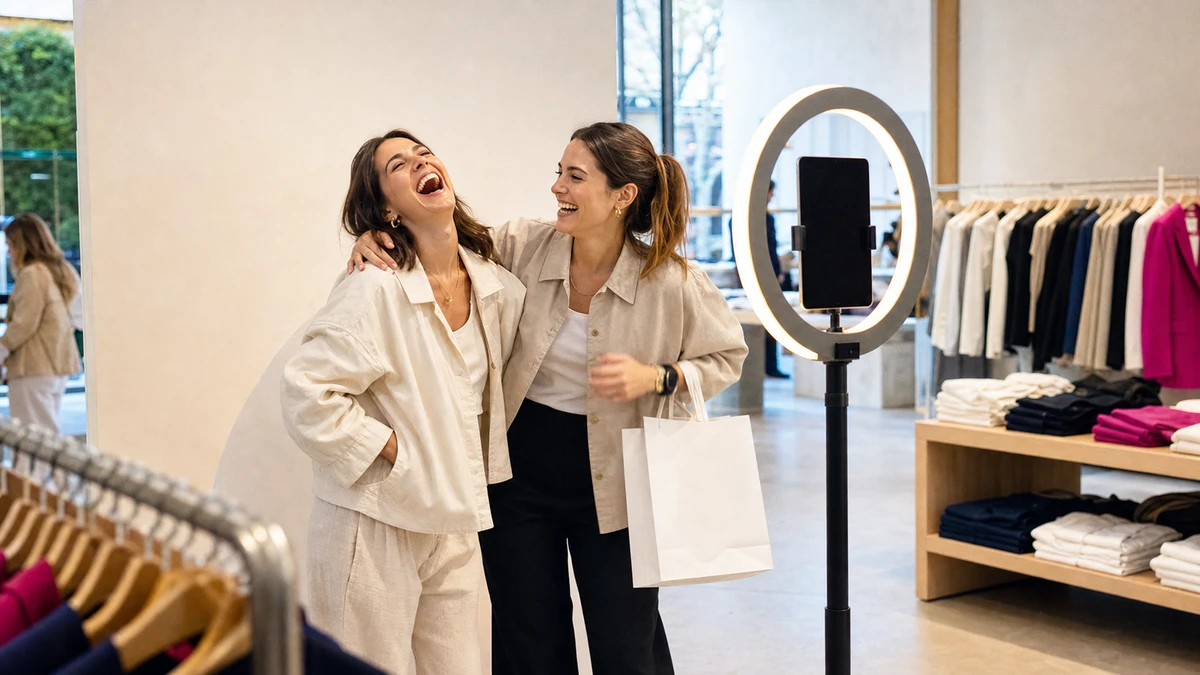
The second category exists to produce a shareable image of the shopper: photo-moment displays, styled backdrops with on-brand signage, selfie mirrors with a share feature. Their output is public. One shopper interaction becomes a tagged post in front of that shopper’s followers, most of whom have never set foot in the store.
An operator shopping for reach who buys a kiosk has bought the wrong machine. The kiosk will do its job well, and its job is not reach. The rest of this article is about the second category only.
“Interactive” does not require a screen
The narrower assumption worth correcting is that interactive means digital. It does not. A styled corner with good lighting, a full-length mirror, and a piece of on-brand typography is interactive in the only sense that matters here: a shopper engages with it and produces something. A non-digital photo spot can out-tag a $15,000 touchscreen kiosk for the specific goal of generating posts, because the kiosk was never trying to generate them.
Why a Shopper Actually Tags Your Brand
Return to that empty hashtag by the fitting rooms. The sign was clear, the offer was friendly, and still nothing happened. The reason is not the sign. It is that posting was never something the shopper had a reason to do.
The button is permission, not motivation
Most operators treat the share as a feature to bolt on. Add a “Share on Instagram” button. Print the hashtag large. Put a QR code on the display. Small-business marketing coverage has flagged the flaw in this for years: the U.S. Chamber of Commerce’s CO— has noted that putting a hashtag in a social media bio does not produce a flood of customer content. A hashtag printed on a display sign behaves no differently. The button grants permission to share. It does not supply a reason to. Three conditions have to be true before a shopper actually posts.
Condition one: the post has to flatter the shopper
People do not share to promote a brand. They share to manage how others see them. Jonah Berger, the Wharton marketing professor, calls this social currency: the content people pass along is content that makes them look good (Berger, Contagious, 2013). His peer-reviewed work with Katherine Milkman in the Journal of Marketing Research (2012) adds that high-arousal positive emotion, excitement and awe and amusement, sharply increases the odds that something gets shared.
The implication for a retail display is direct. A display that photographs the merchandise gets ignored. A display that photographs the customer, styled, well-lit, in a moment they are pleased with, gets posted, because the post flatters the person sharing it. The brand mark in the frame is a prop in the shopper’s self-presentation, not the subject. The widely cited NYT Customer Insight Group “Psychology of Sharing” study (2011) reached the same conclusion from consumer surveys: people share to give others a clearer sense of who they are.
Condition two: the tag has to be automatic
Asking an excited shopper to remember a handle, open Instagram, type the handle correctly, and add the hashtag is asking for unpaid work at the worst possible moment. Each step loses people. The fix is to remove the steps. Bake the brand handle, location, and hashtag into the image itself, or pre-load them into the share so the shopper confirms rather than composes. A tag the shopper has to construct from memory is a tag most shoppers will skip.
Condition three: the share has to happen in the first two minutes
Daniel Kahneman’s peak-end rule, from his research with Fredrickson, Schreiber, and Redelmeier (Psychological Science, 1993), holds that people respond most strongly to an experience at its emotional peak. For a photo moment, the peak is the short window right after the photo appears and the shopper likes how it looks, a minute or two, not the whole visit. That is when the share has to be available, on the shopper’s own phone, with no line and no app to download. A display that captures the photo in the store but emails it that evening has moved the share into a cooler hour, when the feeling, and the follow-through, has faded.
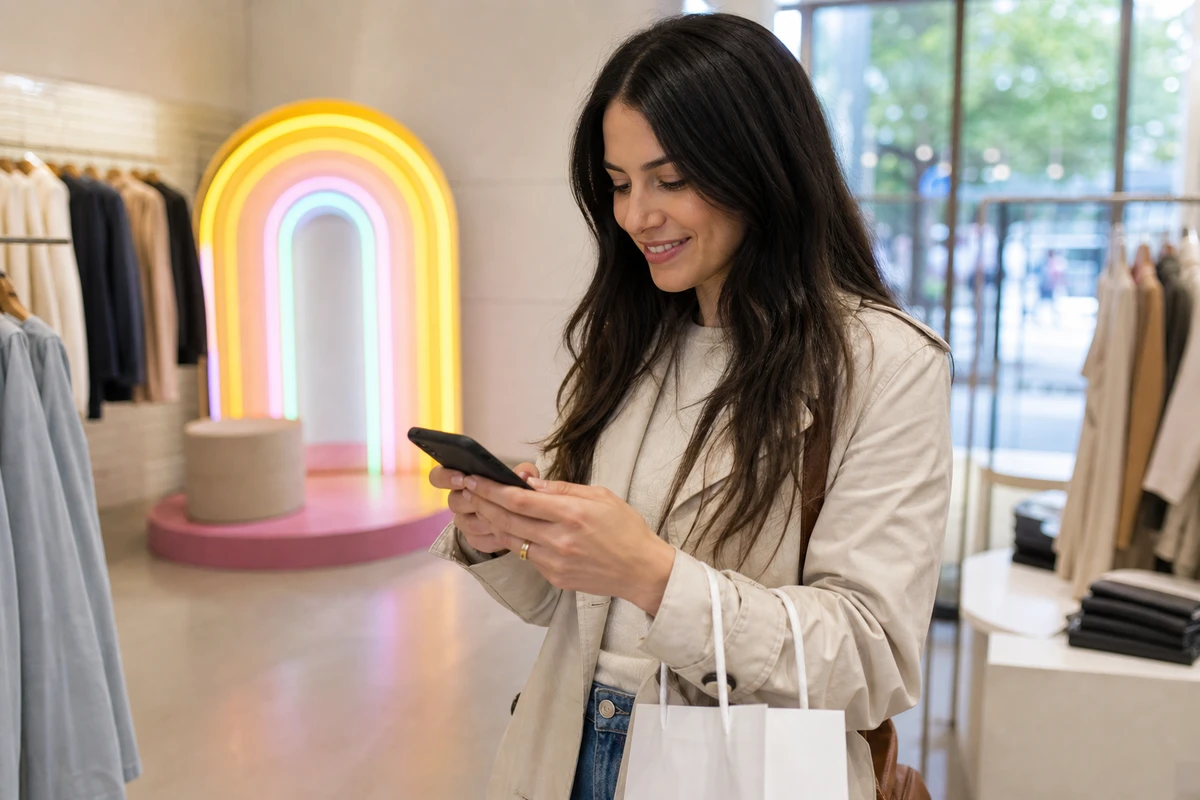
A tagged post from a real customer functions as a small influencer post, and that matters commercially. Sprout Social’s 2024 State of Influencer Marketing report found that 49% of consumers make a purchase at least once a month because of an influencer’s post. A peer recommendation moves buyers in a way a brand’s own ad does not.
A Social Wall Shows UGC. It Doesn’t Make Any.
A store sees a competitor’s social wall, a screen glowing with customer photos, and wants one. It buys the screen, mounts it, and the wall displays the same six brand-shot product photos on a loop, because that is all the store has. The wall works fine. The store just bought the wrong half of the system first.
What a social wall actually is
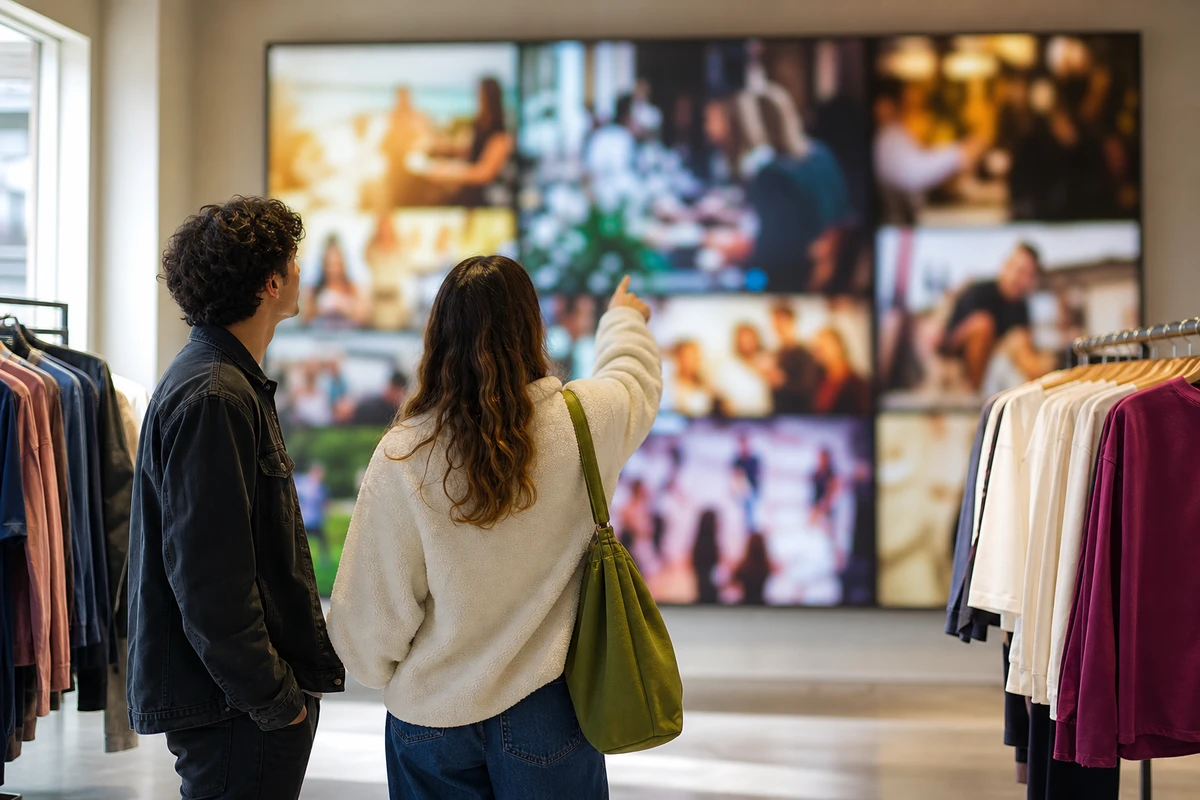
A social wall is a screen inside the store that streams customer posts carrying the brand’s hashtag. Done well, it is genuinely effective. Kantar’s Barry Thomas documented the format’s spread in 2025: Bunnings, the Australian hardware chain, runs more than 300 LED social-wall displays across roughly 150 stores; Telfar installed one at its New York flagship in November 2024; Outlandish, an independent retailer in Notting Hill, uses one to capture in-store style moments (Kantar, 2025). A hardware chain running 300 walls is a useful signal: the format is not limited to fashion and beauty.
The cold-start problem
The catch is one the search results rarely name. A social wall displays content that already exists. It does not create any. A store with little or no tagged customer content buys a social wall and watches it loop a handful of brand-shot photos, or sit on a holding screen.
The clearest evidence that this is a real problem comes from the vendors themselves. Social-wall setup guides routinely tell new buyers to run a contest, post your best photo with our hashtag to be featured on the wall, before the wall goes live. That instruction is an admission: the wall has nothing to show until the operator manufactures a supply of posts first.
Sequence: generator first, wall second
The wall and the thing that fills it are two separate purchases, and the order matters. The content generator, the photo-moment display that produces tagged posts, comes first. The social wall that showcases them comes second, and is optional.
In the right order the two halves compound. The generator produces tagged posts. The wall shows them in the store. Other shoppers see real customers, not models, enjoying the brand, which prompts them to make posts of their own. Kantar describes exactly this loop, a store turned into what it calls an interactive billboard built from customer content. A wall like that earns its place only once posts are already flowing into it; the screen amplifies an existing supply, it does not create one. The operator’s takeaway is plain: do not buy the screen before the content engine that feeds it.
What a Tagged Post Is Actually Worth
Operators hesitate on these displays because the cost is visible and the return is fuzzy. A simple model fixes that. It needs four numbers, and any operator can run it on their own store.
A model for a single store
Take a medium-volume specialty retailer with 1,000 store visitors a week. A well-placed photo display in a feature zone typically engages between 10% and 30% of the people who pass it. At 20%, that is 200 shoppers interacting with it. When the share is genuinely low-friction, somewhere between 20% and 40% of those who engage will post and tag the store. At 35%, that is 70 tagged posts a week. If each post reaches a typical personal account of around 200 followers, the display is generating 14,000 peer impressions a week, close to 728,000 a year. The engagement and tag rates here are practitioner estimates, not sourced constants. The model is what matters, and it runs on whatever numbers a particular store actually produces.
Pricing the same reach as paid media
That annual figure means more next to its paid equivalent. Awareness and reach campaigns on Meta typically run around $10 per thousand impressions, a directional benchmark that moves with targeting and creative quality rather than a fixed rate. Paid retail reach on the platform is not costly per unit either: WordStream’s 2025 Facebook advertising benchmarks put the average traffic-campaign cost-per-click at $0.70 across industries and $0.34 for shopping and gift retail. Buying 728,000 impressions at a $10 CPM costs about $7,280 a year.
So a photo display generating 70 tagged posts a week produces roughly $7,280 in paid-impression-equivalent reach annually. That is a floor, not a ceiling. A paid impression is an interruption. A tagged post is a peer endorsement, and the Sprout Social figure cited earlier, 49% of consumers buying monthly on the strength of an influencer post, shows that peer content drives action paid reach does not match at the same volume.
Cost per tag falls every month
The display is a fixed cost. Whether it is a non-digital styled corner or a hardware photo station, it is bought once and amortized over years. Annual reach is a recurring return against a one-time cost, so the cost per tagged post falls every month the display keeps running. A display that looks expensive in month one looks different by month thirty.
Designing a Display People Actually Want to Post
A retailer can get all three conditions right and still walk past its own display every day without seeing anyone use it. Usually the cause is physical: where the display sits, what it looks like, and whether anyone is invited to use it.
Keep it out of the checkout queue
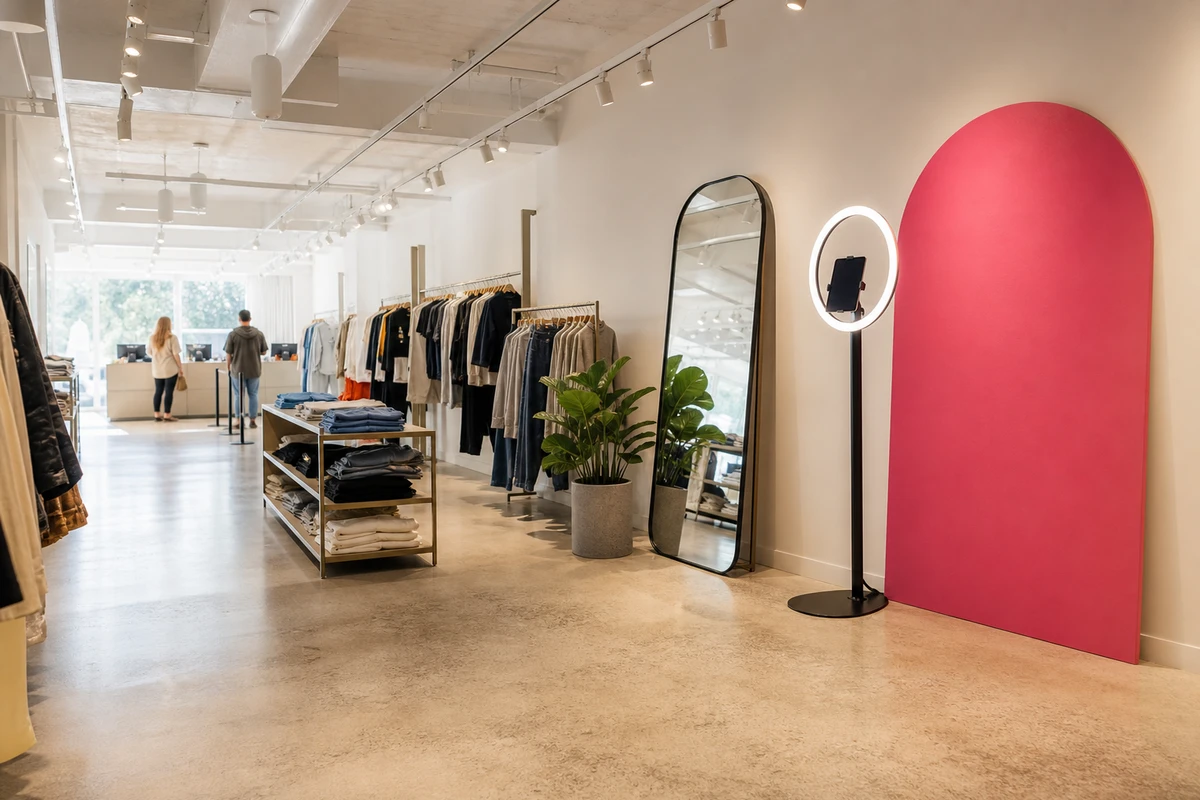
The checkout queue is the wrong place. Shoppers there are transacting, holding items, watching the line, and rushing. A photo moment belongs in a decompression or feature zone, a spot where shoppers have a free hand, a pause, and no one behind them. The best location is the part of the store where a shopper has already decided to enjoy being there.
Give the shopper a reason to stop
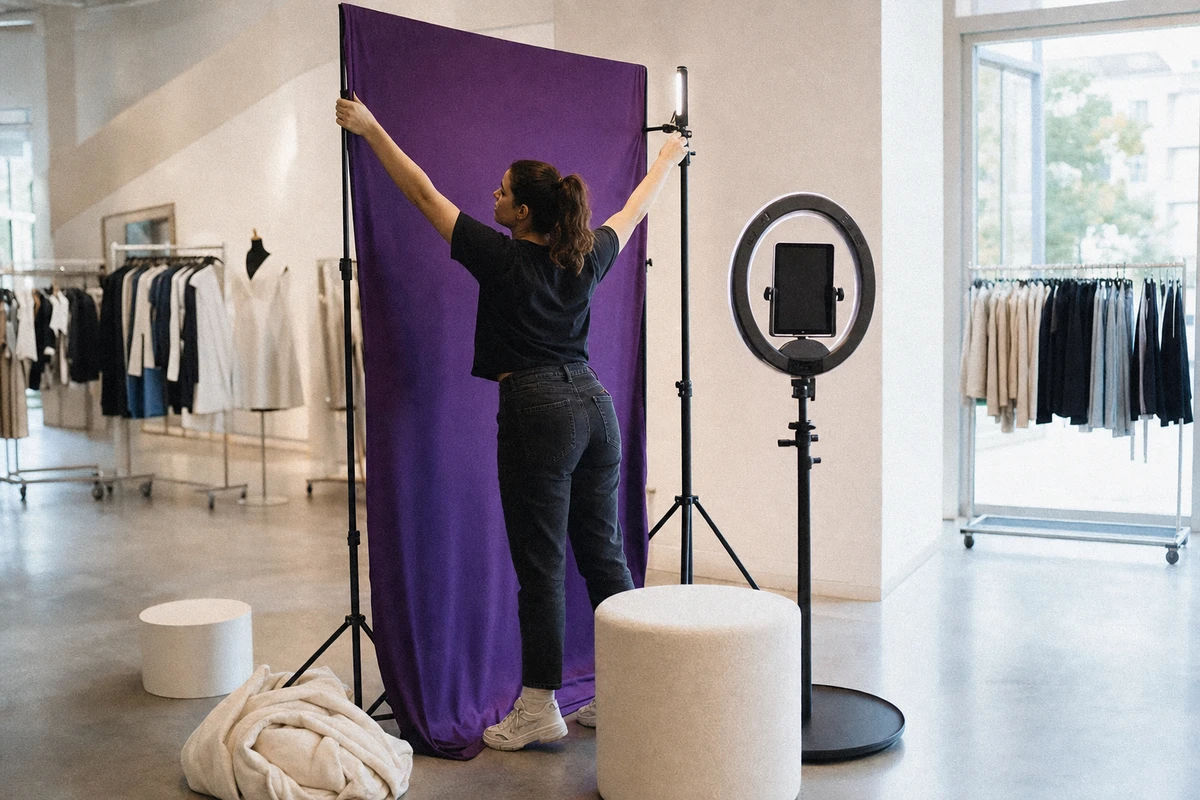
A bare screen is not a destination. A shopper walks past it. A reason to stop has to be physical: a styled backdrop, a full-length mirror, a seasonal set, a product-in-use moment built into the space. Retail Dive reported in 2017 on brands including Nike, Kate Spade, and Charlotte Tilbury treating in-store creative as deliberate photo hotspots, and on the Scandinavian retailer Bubbleroom, which paired a selfie mirror with a discount code released when a shopper posted a tagged photo. The incentive is optional. The styled, stop-worthy spot is not.
Brief the floor team to invite
One human prompt outperforms any printed sign. A staff member who says the light in that corner is great, take a photo before heading out, will lift participation more than the best signage ever printed. The instruction to the floor team is to invite, not merely to allow. A sign is passive. A person is not.
Put the brand inside the frame, then refresh it
Lighting decides everything, because an unflattering photo never gets posted. The spot needs flattering, consistent light, not whatever the ceiling happens to provide. The brand also has to be visible inside the frame, with the logo, location, or handle worked into the backdrop or the image, so the post stays identifiable even when the shopper forgets to type anything.
One more point operators miss: refresh the set on a seasonal schedule. A static display gets posted once per shopper and then turns invisible to them. A set that changes gives regulars and locals a fresh reason to stop and post again, which turns a one-time capture into a repeat one.
Knowing Whether It Worked
An operator who has spent money on a photo display will, sooner or later, be asked whether it worked. The answer comes in three layers, easy to hard.
The metrics that are easy to count
The first layer is simple counting. Branded-hashtag volume, mentions, tagged-post count, and total reach, tracked week over week, show whether the display is producing. If the numbers stay flat, the cause is usually one of the three conditions, not the idea itself.
Turning a tagger into a contact
A tagged post is reach, but the tagger is still a stranger. Pairing the photo moment with a QR opt-in or a loyalty prompt turns an anonymous poster into a known contact, a name and an email or phone number the store can reach again without paying a platform for the privilege. On a dedicated photo station the opt-in is part of the capture rather than a separate prompt: Simple Booth’s HALO kit, an iPad-based station, lets the operator add a custom data field to the screen a shopper uses to send themselves the photo, so receiving the image and joining the store’s list become the same step. The entertainment chain Treetop Golf used that capture to build a list of 150,000 unique email addresses across its locations. This is where a share-driving display connects to the rest of a retail operator’s data work, and it is the difference between a display that feeds a feed and one that feeds a list.

The honest part: attribution
Attributing an actual store visit back to a specific tagged post is hard, and pretending otherwise is the fastest way to lose trust in the program. The workable proxies are modest and real: a trackable offer code shown only inside the post, redemption tracking on that code, and the oldest method in retail, asking new customers at the register how they heard of the store.
A share-driving display is one lever among several, and it is not the lever that closes a sale on its own. It pays back fastest when it does two jobs at once, putting the brand in front of strangers through people they trust and handing the store a contact it can reach directly. A display that only fills a feed is working at half capacity.
Sources
- Berger, Jonah, and Katherine L. Milkman (2012). “What Makes Online Content Viral?” Journal of Marketing Research, 49(2), 192–205. DOI: 10.1509/jmr.10.0353.
- Berger, Jonah (2013). Contagious: Why Things Catch On. Simon & Schuster.
- Kahneman, Daniel, Barbara L. Fredrickson, Charles A. Schreiber, and Donald A. Redelmeier (1993). “When More Pain Is Preferred to Less: Adding a Better End.” Psychological Science, 4(6), 401–405.
- Kantar / Barry Thomas (2025). “How Social Walls Are Turning Stores Into Interactive Billboards.” https://www.kantar.com/north-america/inspiration/retail/how-social-walls-are-turning-stores-into-interactive-billboards
- New York Times Customer Insight Group (2011). “The Psychology of Sharing.” (Widely cited in marketing research; primary copy not currently accessible online.)
- PwC. “Merging Digital and Physical Stores.” In-store touch-preference figures cited here are via Samsung Business Insights (2025); PwC’s primary page was not accessible at the time of writing.
- Retail Dive / Erica Sweeney (2017). “In-store user-generated content and photo-sharing displays.” https://www.retaildive.com
- Samsung Business Insights (2025). “Interactive Retail Displays Create Stand-Out Customer Experiences” (vendor-commissioned content). https://insights.samsung.com/2025/01/09/interactive-retail-displays-create-stand-out-customer-experiences/
- Sprout Social (2024). “The State of Influencer Marketing.” https://sproutsocial.com/insights/influencer-marketing/
- U.S. Chamber of Commerce, CO—. Small-business guidance on user-generated content. https://www.uschamber.com/co
- WordStream / LocaliQ (2025). “Facebook Ads Benchmarks for Every Industry” (September 2025 update). https://www.wordstream.com/blog/ws/2017/02/28/facebook-advertising-benchmarks