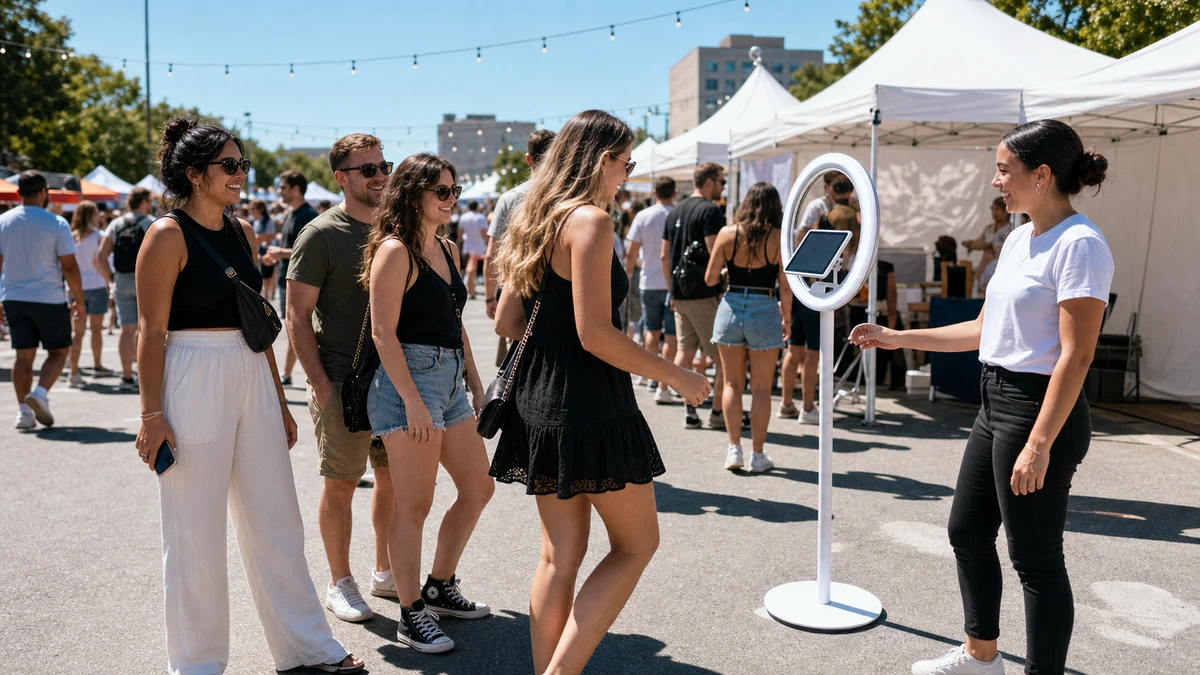
A brand sets up a photo activation at a summer street festival. The booth is a stand holding an iPad that runs a live camera preview, and by early afternoon a line has formed down the block. Around the two-hour mark the screen dims on its own. A minute later a temperature warning replaces the camera view, and the booth goes dark with eight people still waiting.
That shutdown is not bad luck. It is a predictable failure with a known cause, and almost all of it can be designed out before the event rather than fought on-site. The fix for outdoor iPad overheating is a pre-activation thermal plan, not a mid-event scramble for shade. The iPad is the customer-facing surface of the whole activation, so when it overheats, the campaign visibly stops in front of the client’s guests.
Why a Booth iPad Overheats Faster Than a Handheld One
Apple sets the iPad’s operating range at an ambient 32 to 95°F (0 to 35°C), and its support documentation states plainly that using the device in very hot conditions can permanently shorten battery life. Battery University, the reference library run by battery author Isidor Buchmann, treats any lithium-ion cell above 30°C (86°F) as already under elevated thermal stress, and notes that charging or discharging at high temperatures generates gas that can make a pouch cell, the kind inside an iPad, swell. A booth iPad does not need a heat wave to be in trouble, and the damage outlasts the event.
Why Booth iPads Overheat
A booth iPad reaches that trouble faster than a handheld one because an activation stacks several heat sources at the same time. The camera is the worst of them. Apple lists “using the camera for an extended period of time” as a condition to avoid in heat, and a photo booth does exactly that, running the camera and a live preview continuously for hours rather than in short bursts. The screen adds to it: in bright sun the iPad raises its own brightness to stay legible, a brighter display runs hotter, and a dark screen facing the sun absorbs radiant heat on top of that. Most booths also keep the iPad plugged in all day, and charging generates heat of its own. A booth runs the camera and the charger together, while a phone in a pocket does neither.
The booth also traps the heat that an open hand sheds. An iPad cools largely by radiating heat through its aluminum back into open air. A stand, an acrylic surround, or a thick sealed case blocks that path and holds the heat against the device.
When the iPad has had enough, it does not fail all at once. Apple documents the sequence: charging slows or stops, the display dims and then goes black, the camera flash and other features switch off, and app performance drops. X-naut, a maker of cooling cases for outdoor iPad users, describes the same cascade from the field. An operator who recognizes the first unprompted dim has a few minutes to act. One who waits for the temperature-warning screen has none.
What a Thermal Shutdown Actually Costs
Every competing page describes a shutdown as an inconvenience. None of them prices it, and the arithmetic is simple enough to run before the event.
Take a booth capturing roughly 30 guests an hour, with 40 percent of those guests opting in to marketing email, and treat each email address as worth $50 in downstream value. A single thermal shutdown plus its cooldown removes 15 to 20 minutes of capture. That is about nine guests who never reach the booth and roughly four email addresses never collected, or close to $200 of pipeline lost to one failure. An operator working with different throughput or a different email value runs the same three multiplications and lands on a number that still stings.
Then scale it honestly
Then scale it honestly. Qore Performance, which sells conductive cooling cases, documented a customer’s iPads in Arizona summer heat overheating and shutting down “about two or three times per hour.” Against a number like that, two shutdowns across a whole four-hour activation is a conservative estimate, not a worst case, and it still costs more than $400 in lost capture, before counting the guests who see a dark screen and walk off without rejoining the line.
The dollar figure is only the measurable loss. The harder cost is reputational. LA Photo Party (2026), a photo booth rental operator, warns prospective clients outright that an iPad shutdown is “brutal when it happens mid-line.” At a client’s brand activation, an “out of order” iPad in front of the client’s guests is a visible failure of the operator, and no refund of lost email value repairs it. The prevention steps below cost a small fraction of one shutdown, which makes a thermal plan a margin decision, not a nicety.
Step 1: Configure the iPad Before Leaving Base
Half of a thermal plan is settings, and all of it should be done at base the day before, not in a hot parking lot an hour before doors open.
Update iPadOS and run the booth app at base
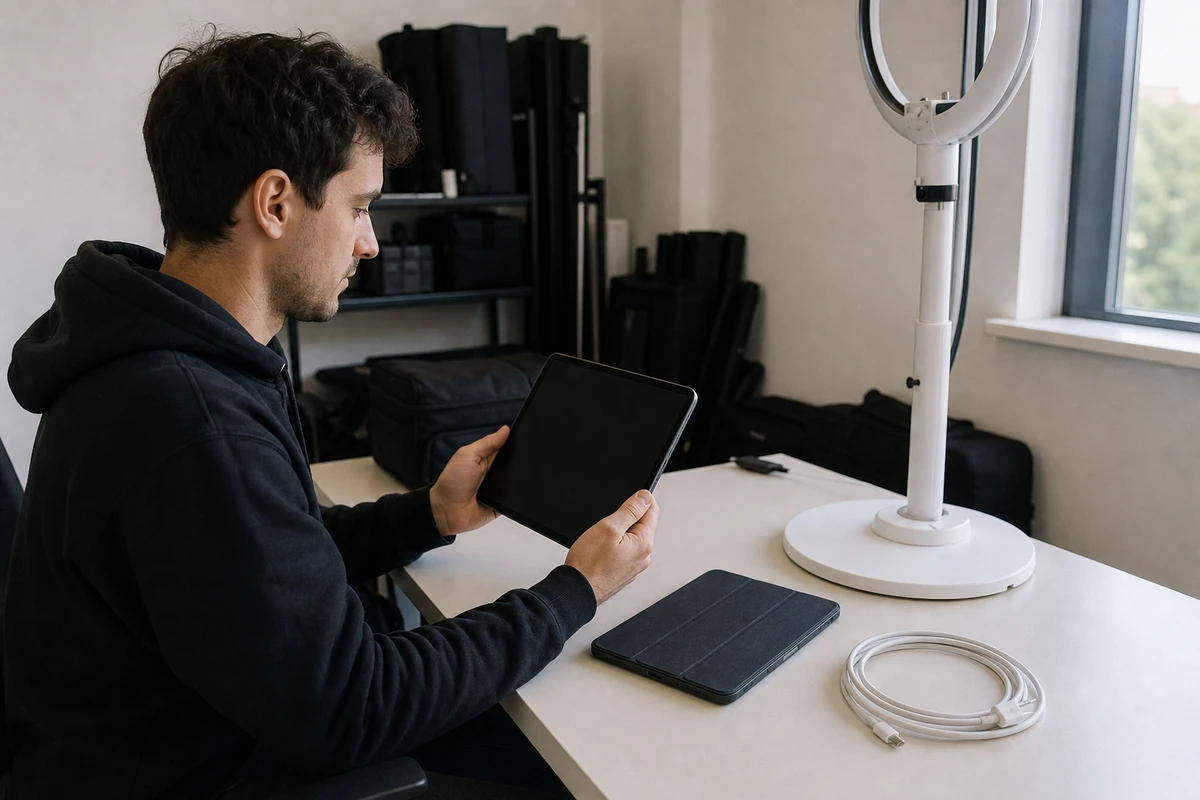
Update iPadOS and run the booth app at base. Apple names a software update, “particularly to a major release,” as something that warms the device, so an update on-site means starting the event with a device that is already hot. Test the booth app the same way, at room temperature, so the morning of the event holds no surprises.
Check battery health under Settings, then Battery. An aged battery runs hotter and holds less thermal buffer; a device showing meaningfully degraded capacity belongs in the spare pile, not on the front line of a hot activation.
Set screen brightness manually to a fixed level that stays readable in daylight, and turn Auto-Brightness off so the iPad cannot ramp itself up in the sun. Turn on Low Power Mode and close every background app, so the only thing drawing the processor is the booth.
Disable radios the booth does not need. If the booth uploads over Wi-Fi, cellular and GPS can be off, and Apple lists GPS use in particular as a heat contributor. Finally, stage the device cool. An iPad that rode to the venue in a hot car cabin, or sat in the sun during load-in, starts the day with a deficit. It should reach the booth at room temperature.
Step 2: Build Airflow and Shade Into the Booth Setup
This is the step competing content gets most wrong, usually by skipping it. The physical setup decides more of the outcome than any setting.
Start with the case, because the instinct is backwards. Operators think of a case as protection, so a thicker, sealed, rugged case feels like the safer choice. For a hot outdoor activation it is the opposite. An iPad sheds heat through its aluminum back, and a sealed case traps that heat against the device instead of letting it escape. A slim, open mount that leaves the back exposed cools far better than a rugged shell. The same logic applies to a branded enclosure or acrylic surround: if it seals the iPad into a still pocket of air, leave a vent path or an air gap behind the device.
Orientation is free and it matters
Orientation is free and it matters. Position the booth so the screen does not face into direct sun. A dark screen aimed at the sun is the fastest route to a shutdown, because radiant heat lands on the surface on top of the ambient air temperature.
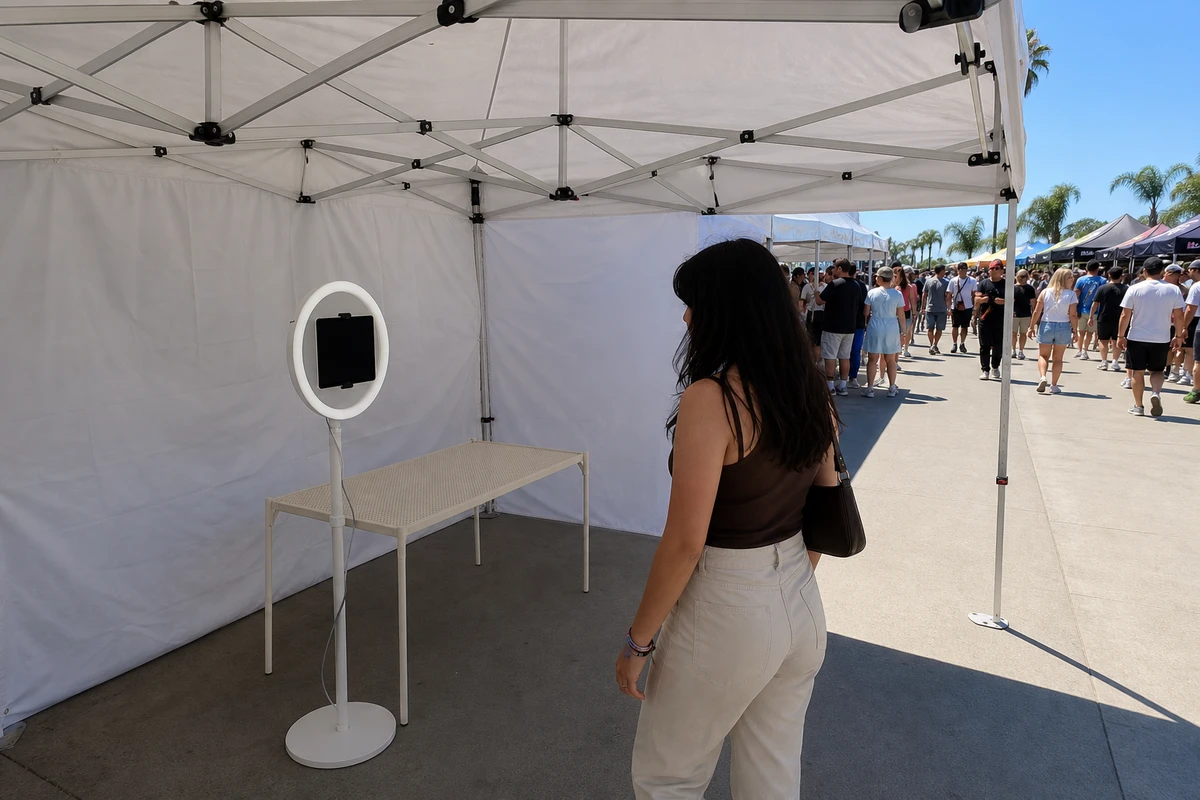
Shade is a setup decision, not a rescue. Place the booth under a tent, awning, or building shadow from the start. Photobooth Supply Co’s outdoor events guide (2025) recommends a white tent, which shades the device and keeps photo white balance neutral at the same time. Watch what the booth sits on, too: hot asphalt and dark tabletops radiate absorbed heat upward, so choose a light, ventilated surface. And track the sun. Shade moves across a four-hour activation, so place the booth for where the sun will be at peak, not where it sits at load-in.
Step 3: Get the Charging Strategy Right
A booth needs power all day, and charging generates heat. That conflict cannot be eliminated, only managed, and most operators never think it through.
The simplest approach is to charge continuously. It is fine in mild conditions or a well-shaded, ventilated booth, but it adds a constant heat source that runs alongside the camera. In real heat, consider cycling the charge instead: run on battery through the hottest part of the day and top up during cooler windows or queue lulls. This works when the activation has predictable quiet periods. A third option is an external battery pack. It keeps the wall adapter, and the heat it throws off, away from the iPad, and lets staff swap power without unplugging anything mid-queue.
Whatever the approach, learn to read the “Charging On Hold” message. If the iPad gets too hot it pauses charging on its own and shows “Charging On Hold. Charging will resume when iPad returns to normal temperature.” An operator who sees this should treat it as an early thermal warning, not a fault with the charger or cable. Use a quality cable and an adequately rated adapter as well; an underpowered or failing one runs warm and charges slowly, which worsens both the heat and the power problem at once.
Step 4: Add Active Cooling When Conditions Demand It
Passive setup carries most activations. It does not carry all of them. If an activation runs in sustained summer heat, in a region with regular 90°F-plus days, or anywhere shade is genuinely impossible, active cooling earns its cost.
Two product categories exist, both built for the outdoor and industrial iPad market that serves pilots and drive-thru restaurant staff. Fan-based cooling cases attach to the iPad’s back and move air across it; X-naut, one such maker, uses four fans aimed at the hot spots it identified through thermal imaging. Conductive cooling cases instead use a swappable phase-change cooling pack that draws heat out of the device; Qore Performance’s ICECASE is the example here. Both descriptions come from the vendors’ own product pages and should be read as vendor claims, not independent test results. Before buying either, verify the case does not block the camera lens or the charging port the booth depends on, and that it fits the booth’s mount or stand.
One rule has no exceptions: never crash-cool a hot iPad with a fridge, freezer, ice pack, or AC vent. Apple’s guidance is to let the device cool gradually, and X-naut, which devoted a whole article to the ice-pack idea, explains why. Rapid cooling forms condensation inside the device, and water inside electronics does worse damage than the heat ever would. A cooling case buys margin; it does not cancel physics, and it is no substitute for shade and configuration.
Step 5: Monitor and Recover On-Site
Even a good plan needs a person watching the booth, because an unattended iPad cannot rescue itself.
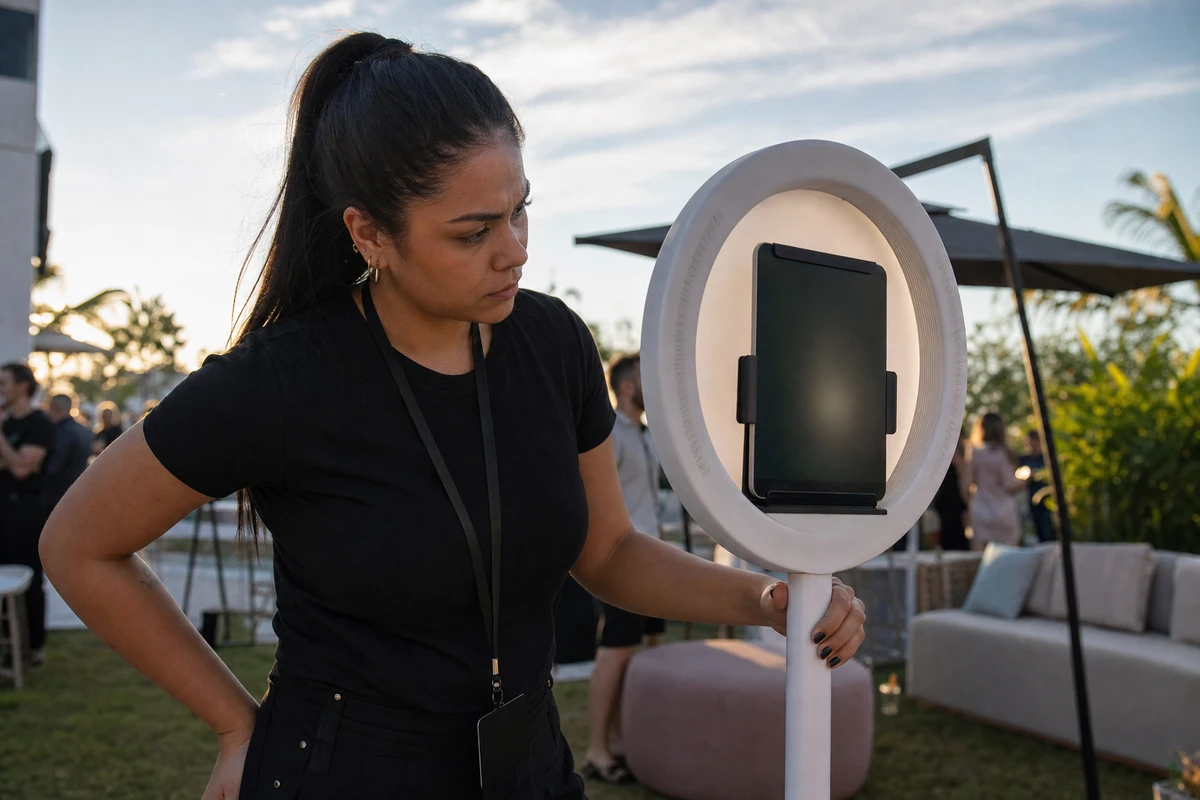
Brief whoever staffs the booth to read the early warnings before the shutdown: the screen dimming on its own, the app responding sluggishly, the camera flash going dead, charging that has quietly paused. These are the iPad saying it is minutes from quitting.
When the warnings appear, the recovery protocol is short. Pause new guests. Move the iPad into deeper shade or a cooler spot. Power it down deliberately rather than waiting for the forced shutdown, because a controlled shutdown cools the device faster and keeps it short of the temperature that triggers protection damage. Then let it cool gradually before resuming: Qore Performance puts the cooldown window at roughly 5 to 15 minutes, while Apple’s guidance is only to let the device cool down, with no specific window.
Build redundancy that actually works
Build redundancy that actually works. A charged spare iPad helps, but it is insurance, not a strategy. The reason is in Qore Performance’s Arizona data: when conditions are hot enough to overheat one iPad two or three times an hour, the spare overheats too, and swapping becomes a treadmill. The durable fix is the conditions in Steps 2 through 4. Finally, confirm the booth app uploads or queues captures continuously, so that if a shutdown does happen, it never erases the opt-ins already collected. Simple Booth’s HALO app, for instance, keeps captured sessions in an offline upload queue and delivers them once connectivity returns, so the email addresses gathered before a shutdown sit stored on the device rather than disappearing with the dark screen.
The Pre-Activation Thermal Checklist
Run this checklist before every outdoor activation:
- iPadOS updated and the booth app tested at base, not on-site
- Battery health checked, degraded devices retired to the spare pile
- Brightness fixed manually, Auto-Brightness off
- Low Power Mode on, background apps closed, unused radios off
- iPad transported and staged at room temperature
- Booth shaded from load-in, screen angled away from direct sun
- Case slim and breathable, any enclosure vented
- Booth set on a light, ventilated surface, placed for peak-sun shade
- Charging strategy chosen for the conditions
- Cooling case on hand if the heat is extreme
- Staff briefed on the warning signs and the cooldown protocol
- A charged backup iPad ready, and captures confirmed to upload continuously
Overheating is an engineering problem solved at setup, not a stroke of bad weather met on the day, and the operator who plans for heat keeps both the booth and the campaign running until the last guest.
Sources
- Apple Inc. (2026). “If your iPhone or iPad gets too hot or too cold.” https://support.apple.com/en-us/118431
- Battery University (2022). “BU-808: How to Prolong Lithium-based Batteries.” https://batteryuniversity.com/article/bu-808-how-to-prolong-lithium-based-batteries
- Battery University (2022). “BU-410: Charging at High and Low Temperatures.” https://www.batteryuniversity.com/article/bu-410-charging-at-high-and-low-temperatures
- X-naut (2019). “What to Do When You See the iPad Temperature Warning.” https://x-naut.com/blogs/news/what-to-do-ipad-getting-hot
- X-naut (2019). “Why an Ice Pack for Your iPad is a Bad Idea.” https://x-naut.com/blogs/news/why-an-ice-pack-is-a-bad-idea-for-your-ipad
- Qore Performance (2022). “Say Goodbye to Overheating iPads.” https://www.qoreperformance.com/blogs/industrial-insights/say-goodbye-to-overheating-ipads
- Photobooth Supply Co (2025). “The Complete Guide to Outdoor Photo Booth Events.” https://photoboothsupplyco.com/blogs/tips-tricks/mastering-outdoor-photo-booth-events
- LA Photo Party (2026). “Portable Photo Booth vs iPad Booth: Which Is Better for Your Events?” https://laphotoparty.com/portable-photo-booth-vs-ipad-booth-which-is-better-for-your-events/