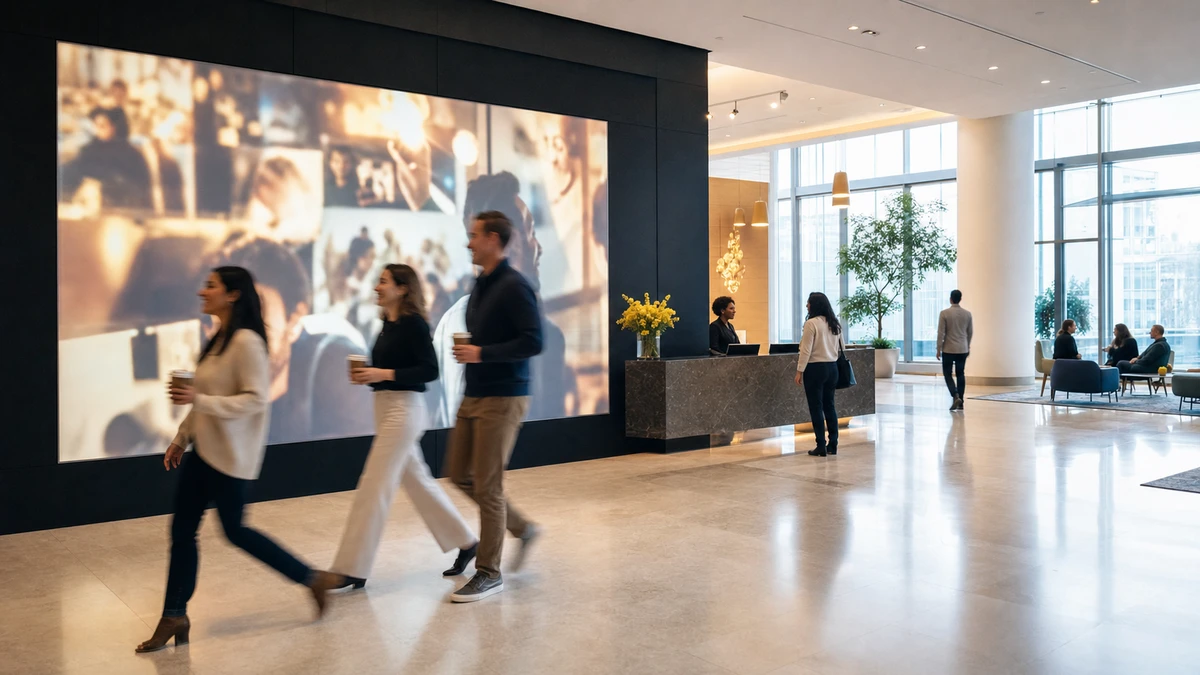
A job candidate sits in a corporate lobby, ten minutes early for an interview. On the wall, a large screen loops a welcome video. One slide reads “Welcome to 2024.” It is spring 2026. The candidate notices, says nothing, and forms a small private opinion about how the company runs.
That screen cost tens of thousands of dollars to install. It is now working against the brand it was bought to project. This is the central, expensive misunderstanding about experiential tech in corporate spaces: a lobby screen, a social wall, or an interactive install gets treated as a purchase, when it is really a content operation. The install ends. The operation does not.
The internal-comms, employer-brand, or facilities lead who signed off on a corporate lobby activation now owns a quieter problem: making it earn its place every ordinary Tuesday. The argument here is simple. The lobby and the company retreat are not two projects. They are two ends of one loop, and running them as a loop is what managing experiential tech actually means.
The install is the easy part
An interactive installation studio arrives with renderings, a fabrication timeline, and a launch date. The proposal is detailed and reassuring right up to the ribbon-cutting. What it rarely describes is month 14, when the launch team has moved on and the screen is still on the wall.
Launch is not ownership
That gap is the difference between a project and a program. An installation is a project: fixed budget, fixed scope, a vendor, an end date. Managing that installation is a program with no end date at all. Most experiential-tech disappointments are not hardware failures; the panel still lights up. They are operational failures: no owner, no content pipeline, no measurement. The vendor’s responsibility ends at launch. The operator’s begins there.
The workplace has to earn the visit
The reason this matters more now is that the office has become an optional destination. National office occupancy sat near 55% of capacity in 2025 (Kastle Systems, 2025), which means a large share of employees choose, most weeks, whether the building is worth the trip. A corporate lobby activation is part of that choice.
Memory works both ways
Branded environments are judged on impressions formed in seconds, and an environment people move through forms a stronger memory than a sign they walk past. EventTrack’s 2025 study found 91% of attendees recalled a brand after an experiential activation (Event Marketer, 2024). That figure comes from consumer and trade-show events rather than office lobbies, but the memory-formation mechanism carries into a corporate setting. That cuts both ways. A well-run install builds a useful memory. A decayed one builds the memory of a company that does not finish what it starts.
The lobby and the retreat are one content loop
Picture two line items in one company’s budget. One is a four-night retreat for 100 people at a resort. The other is the screen in the headquarters lobby. In most companies these are owned by different people, approved in different quarters, and never discussed in the same meeting. That separation is the waste.
A retreat is a content-generation event. Over four days it produces branded photography, recognition moments, candid footage of teams working together, and the authentic culture imagery an employer-brand team otherwise pays a studio to stage. A lobby screen or recognition wall is the opposite: a display surface with a permanent daily appetite for fresh material. One side makes content in bursts; the other consumes it constantly.
Run separately, both underperform
The retreat ends on a Sunday, the photographer delivers a gallery link the next week, and 800 images settle into a shared drive that three people open once. Most retreat advice stops there, treating the photos as something to post on social media or display in the office, then moving on. Nobody answers the operational question: who keeps using this content, and for how long?
Meanwhile the lobby screen runs whatever was loaded at launch. Within a quarter, employees and visitors stop seeing it. Stale content is the most consistently named failure mode among digital-signage practitioners. Mounting NYC’s 2026 primer puts it plainly: a screen “can either work really well or just be expensive wallpaper,” and names “setting and forgetting” as the first mistake to avoid.
Run as a loop, each fixes the other
A retreat exists to build engagement, and disengagement is expensive: Gallup put the global cost of low engagement at $8.9 trillion a year in its 2025 State of the Global Workplace report. Spending $300,000 to bring a team together at a resort and then letting the evidence of that investment vanish into a drive folder compounds one waste with another.
Connected, the two line items solve each other’s problem. The retreat refills the lobby and the intranet with months of on-brand imagery. The lobby, in turn, extends the retreat’s value across the whole year; every new hire and visitor sees a company that invests in its people, long after the flights home. The loop has five moves, and operators reliably run only four: generate content at a branded event, curate it in one findable place, display it where surfaces need feeding, and measure what it does. The fifth is the one they forget: schedule the next generation event before the content runs dry. A retreat is the largest generation node, not the only one. An all-hands, a customer day, or a work anniversary can refill the queue too.
Name an owner before signing the contract
A facilities manager, an HR director, a marketing lead, and someone from IT sit in a room deciding what goes on the lobby wall this month. Each has a different definition of success. Facilities wants low maintenance, HR wants recognition content, marketing wants brand campaigns, IT wants it locked down. The meeting ends without a decision, and the screen keeps showing last month. Utsubo’s 2026 corporate-lobby guide, a vendor’s account of the installs it sells, names this as the worst case: everyone has opinions, no one owns the decision.
Project owner and program owner are different jobs
Experiential tech sits across functions by nature. It touches facilities (space, power, maintenance), IT (network, security), HR (recognition and culture), and marketing (brand standards). Because it belongs to everyone, it ends up owned by no one.
The fix is to separate two roles. A project owner drives the installation and then disbands; that role ends at launch. A program owner runs the thing indefinitely. Most companies staff the first and forget the second. The program owner should be named, with a named backup, before the purchase order is signed. Naming an owner after launch means naming them into a vacuum that has already formed bad habits.
What the program owner actually holds
The role is concrete, not ceremonial. The program owner holds the content calendar, enforces the refresh cadence, manages the vendor and maintenance relationship, reports the measurement, and acts as the single decision-maker when facilities, HR, and marketing requests conflict. That last point is the real job: someone has to be allowed to say no.
The owner does not need to be senior; a coordinator can run a lobby program well. The role needs to be written into a real job description with time budgeted for it, not assumed as a favor on top of a full workload. Assumed ownership is the same as no ownership.
Give it a content cadence, not a content dump
The usual content plan for a new lobby screen is to load it heavily for launch day and then walk away. Launch day looks excellent. The problem surfaces months later, when a “Welcome to 2024” slide is still running in 2026, quietly undermining everything around it. Content does not decay because operators forget the screen. It decays because updating it loses every week to more urgent work, and no one has explicit accountability for it.
Layer content on different refresh clocks
The fix is to stop treating screen content as one thing. It is several layers, each on its own clock.
An evergreen brand layer (identity, values, ambient visuals) can be refreshed about once a year. A culture layer (recognition, new hires, milestones, retreat and event photos) needs refreshing monthly or faster, because a daily audience habituates quickly. A real-time data layer (KPIs, office activity, news) updates itself once wired in. An event-triggered layer (a visitor’s name on arrival, all-hands branding, launch announcements) fires only when needed.
Layering also solves the dual-audience problem. A visitor sees the lobby once and needs immediate impact; an employee sees it daily and tunes out repetition fast. Different layers on different clocks keep the surface impressive to the rare visitor and fresh to the daily employee at the same time. The retreat is simply what refills the culture layer on schedule.
Keep the approval path short enough to use
A cadence holds only if updating the screen is easy. Governance kills more content calendars than laziness does. Separate two questions companies usually merge: who can publish, and who must approve. If every update needs sign-off from four departments, updates stop, and the screen drifts back to stale. Give the program owner publishing authority over the culture and event layers, reserve formal approval for brand-level changes, and the cadence survives a busy week.
Choose tech the team can operate without a vendor on call
A marketing coordinator wants to swap one photo on the lobby wall. With a heavy custom installation, that can mean emailing the vendor, waiting for a quote, scheduling a site visit, and paying for an hour of labor. With the right tool, it takes two minutes in a browser. The distance between those two experiences decides whether a content cadence is realistic or fictional.
Evaluate form factor by who can operate it
The buying question is usually “what looks most impressive.” The better question is “what can the team keep running.” A room-scale, custom-fabricated install is genuinely striking and almost always needs a vendor visit to change anything. Managed digital signage, tablet-based capture stations, and social walls are quieter on day one and can be updated by a non-technical owner from a browser. For a surface that has to change every month, operability beats spectacle.
A short checklist before signing
Five questions separate operable tech from a future headache. Can a non-technical person update content without filing a ticket? Does the device generate new content or only display it? Does it need to run all day or only during business hours? What does IT and network sign-off require, and was IT consulted before the purchase order rather than after, since late IT review is a documented project-killer? And when it fails, does it fall back to a clean default, or show an error screen to every visitor?
Display tools and generation tools are not the same
One distinction matters more than form factor. Some experiential tech only displays content: screens, walls, projection. Other tech generates it: self-service photo and video stations that produce a steady stream of branded images while people use them. A generation tool doubles as a generation node in the loop described earlier. It earns its place twice, once at the retreat or event where it produces content, and again in daily operation where it keeps producing. A display-only surface is always hungry. A generation tool helps feed itself.
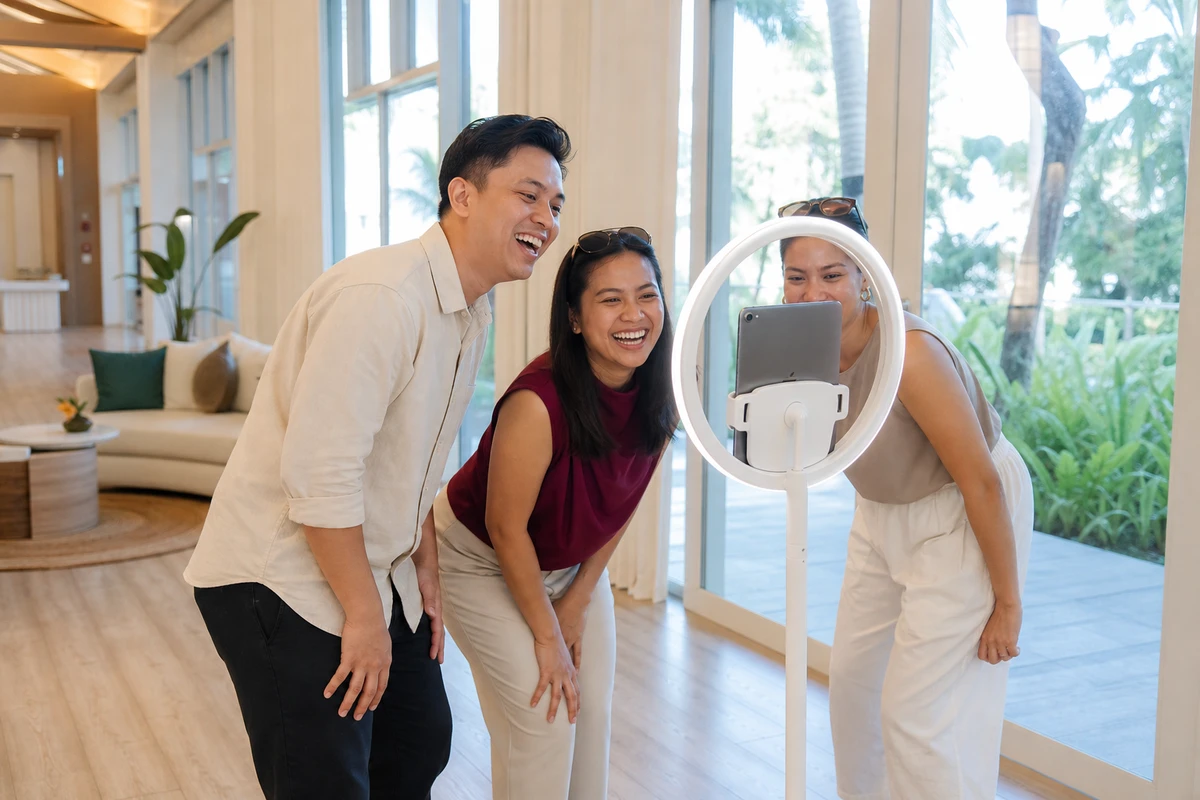
Simple Booth’s HALO kit is one version of this: a self-service iPad photo station with a built-in ring light that guests operate unattended, each session adding branded images to the queue. A single ongoing install at the W Hotel Austin produced 12,765 photos, the kind of steady output a display surface can draw on instead of waiting for the next paid shoot.
Budget for the run, not just the buy
Most experiential-tech budgets carry a large, carefully justified number for the install and nothing written down for year two. The install number is the easy one. AV practitioners put lobby and boardroom installations roughly in the $25,000 to $75,000 range, scaling past $100,000 for custom multi-zone showpieces (ATRTreehouse, 2025). The number that gets skipped is the cost of running it.
What the run actually costs
The run budget has four parts: a maintenance or managed-service contract, software and licensing, content production, and the program owner’s time. The maintenance part has an industry norm: AV practitioners budget roughly 10% of the original system cost per year for support and maintenance (AVIXA Xchange, 2025). Commercial displays last about five to seven years before a major refresh, so the install is not a one-time cost amortized to zero. It is a recurring cost with a replacement clock attached.
A worked impressions scenario
Take a reception screen in a mid-size headquarters that roughly 200 people pass each working day, across about 250 working days. That is 50,000 impressions a year. Suppose it cost $50,000 to install with a six-year life, and maintenance runs the 10% norm. That is about $8,300 of amortized install plus $5,000 of maintenance, near $13,300 a year, or 27 cents per impression.
Here is the part operators miss. That 27 cents is spent whether the content is fresh or two years old. An idle screen still draws its full amortized cost while delivering a stale impression. What collapses when content decays is not the cost per impression; it is the cost per useful impression. The run budget is not what makes a screen expensive. Neglect is.
The loop pays part of its own bill
A 100-person, four-night retreat runs roughly $300,000 to $350,000 before flights, a benchmark from The Offsite Co., a retreat-planning agency drawing on more than $100 million in managed offsite spend (2025). A capture session at that retreat can produce several hundred branded, usable photos. That library can displace one or more separate paid content shoots for the lobby, the intranet, and recruiting pages. The retreat budget and the lobby budget are not competing line items. Run as a loop, each one partly funds the other.
Measure it like a channel, not a decoration
In a budget review, the lobby screen is the easy thing to cut. Nobody defending it can say what it did last year, because nobody measured it. Decoration gets cut; channels get defended. The difference is numbers.
Soft signals are still signals
A communications channel can be measured even when the measurement is qualitative. Interview candidates can be asked, in the feedback they already give, whether the space made an impression. Client-facing teams can note whether a polished arrival helps a meeting open well. An engagement survey can carry one question about the workplace environment. These soft signals count: the Gensler 2025 Global Workplace Survey of nearly 17,000 office workers found employees in great workplaces are roughly three times more likely to stay. The lobby is part of the workplace those employees judge.
Hard signals win budget fights
Soft signals set context; hard signals defend the line item. Four are worth tracking. Content freshness rate: days since the last meaningful update, the best leading indicator of decay. Screen uptime: the share of business hours the surface ran correctly. Generation output: the count of photos, videos, or opt-ins produced at retreats and events. And reuse: how many intranet posts, recruiting images, or social assets came from that output instead of a paid shoot.
Generation output is the number that changes the conversation. A lobby screen on its own produces soft signals and an uncomfortable silence in the budget meeting. The same screen, fed by a retreat session that produced 600 photos, 40 of which now run across recruiting and internal comms, produces a countable result. That is what turns “nice lobby” into a defensible line item, and it is the program owner’s clearest budget defense.

The most useful move with experiential tech is also the least dramatic: decide, before the contract is signed, who will feed the thing and how its work will be counted. A screen nobody owns becomes expensive wallpaper. A screen someone runs becomes a channel.
Sources
- Kastle Systems (2025). “Getting America Back to Work: Back to Work Barometer.” https://www.kastle.com/safety-wellness/getting-america-back-to-work/
- Event Marketer (2024). “EXCLUSIVE RESEARCH: EventTrack 2025.” https://www.eventmarketer.com/article/eventtrack25/
- Gallup (2025). “State of the Global Workplace 2025 Report.” https://www.gallup.com/workplace/349484/state-of-the-global-workplace.aspx
- Mounting NYC (2026). “Digital Signage 101: Content, Hardware and Scheduling Tips.” https://www.mountingnyc.com/blog/digital-signage-101-content-hardware-scheduling/
- Utsubo (2026). “Interactive Installations for Corporate Offices & Lobbies: 2026 Guide to Employer Branding, Client Impressions & Workplace Experience.” Vendor-published. https://www.utsubo.com/blog/corporate-office-lobby-interactive-installation-guide
- ATRTreehouse (2025). “Key Factors in Determining Commercial AV Installation Expenses.” https://atrtreehouse.com/installations/key-factors-in-determining-commercial-av-installation-expenses/
- AVIXA Xchange (2025). “Emphasize Lifecycle Savings: Helping Clients See the Long-Term Value of AV Investments.” https://xchange.avixa.org/posts/emphasize-lifecycle-savings-helping-clients-see-the-long-term-value-of-av-investments
- The Offsite Co. (2025). “The Offsite Co. Ultimate FAQ: Budgeting for Company Retreats.” Vendor-published. https://www.theoffsiteco.com/news/the-offsite-co-ultimate-faq-budgeting-for-company-retreats
- Gensler Research Institute (2025). “Global Workplace Survey 2025.” https://www.gensler.com/gri/global-workplace-survey-2025