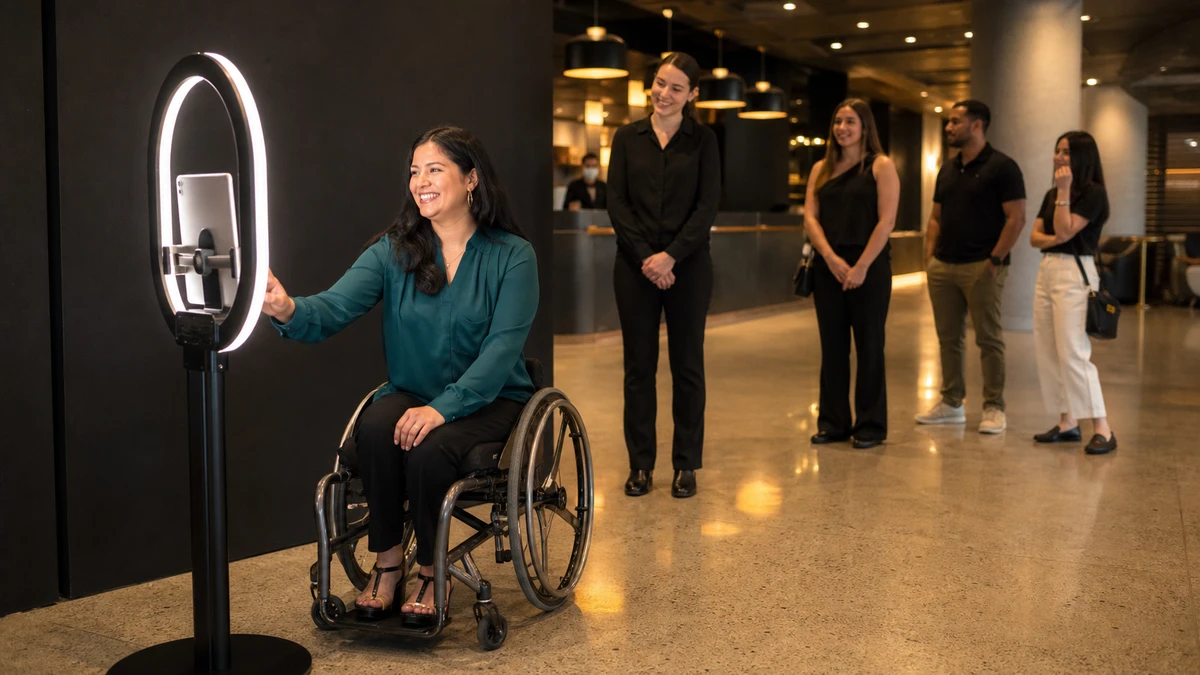
A photo booth sits at the end of a hotel lobby for a three-day brand activation. A guest using a wheelchair rolls up to it. The start control sits near the top of a tall touchscreen, the camera is framed for someone standing, and the countdown flashes “3, 2, 1” on screen with no sound. She cannot reach the button, the photo would catch mostly ceiling, and she would not know the shutter had fired even if a staffer triggered it for her. To the company running that booth, this looks like a hospitality gap. To the law, it looks like a self-service kiosk that excludes a customer.
If a photo booth sits somewhere the public can walk into (a mall concourse, a hotel lobby, a store, an open activation), Title III of the Americans with Disabilities Act treats it much the way it treats an ATM or a restaurant self-order kiosk. The operator running the service, not the venue’s landlord and not the company that built the hardware, is usually the entity a plaintiff names. Most photo booth accessibility advice online stops at a wider entrance and a stool. That is hospitality, not compliance. What follows covers what Title III actually requires of a public-facing booth, who carries the liability, the reach and interface specifics generalist content skips, and a checklist to run before doors open.
Is a photo booth even covered by the ADA?
Yes, once it is offered to the public. Title III covers “places of public accommodation,” and the U.S. Department of Justice is blunt about the reach: almost all businesses that serve the public, regardless of size or the age of their buildings, must follow the ADA. A self-service photo booth is part of the service a business offers, so it travels with that obligation. The booth does not have to be a permanent fixture either. The ADA National Network notes that temporary structures essential to the public’s use of an event are covered, and that event vendors operating their own booths carry their own obligations (ADA National Network, 2015).
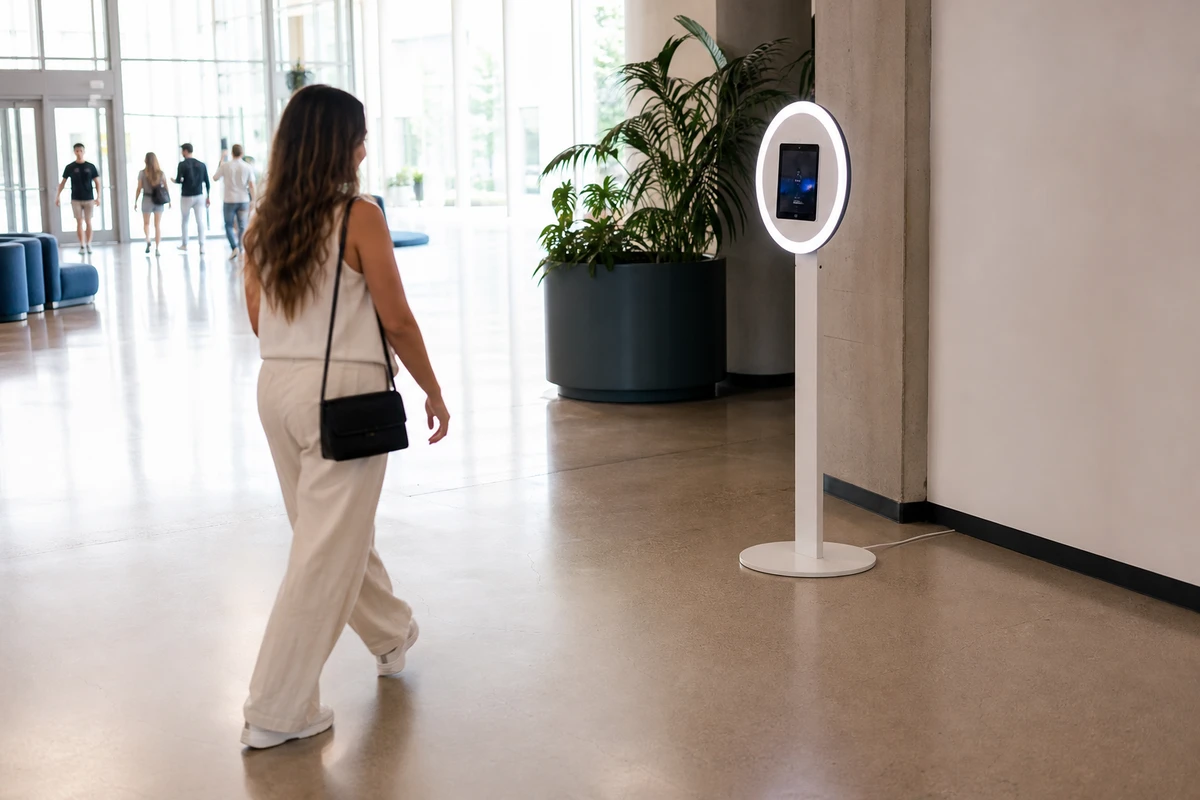
The line competitor articles never draw is between an attended event booth and an unattended installation. A staffed booth at a public event still falls under Title III, but a present, trained staffer gives the operator a legitimate way to deliver equivalent assistance in the moment. An unattended booth, the kind that sits in a lobby or mall concourse for weeks, is squarely a self-service kiosk, and it is held to that benchmark with no staffer to fall back on.
Here is the honest complication. There is no final, kiosk-specific ADA standard, and none specific to photo booths. The U.S. Access Board issued an Advance Notice of Proposed Rulemaking on self-service transaction machines and kiosks in September 2022 and is still in the early stage of analyzing comments. Waiting for that checklist is a mistake. No final standard does not mean no duty. The 2010 ADA Standards’ rules for operable parts, plus Title III’s general nondiscrimination and effective-communication obligations, are the binding floor today.
Who actually carries the liability: operator, venue, or manufacturer?
Ask a rental operator who is responsible if a guest cannot use the booth, and the answer is usually “the venue” or “the manufacturer.” Both are usually wrong.
Title III liability runs to the entity that owns, leases (or leases to), or operates the place of public accommodation, which is the business providing the service to the public. For an operator running a booth at a public-facing activation or a semi-permanent install, the duty typically sits with the operator, often jointly with the venue. Renting the hardware from someone else does not move the duty onto them. The manufacturer built a product. The operator chose that product, set its height, placed it in the room, and configured the software, and those decisions are where the exposure lives. Kiosk integrators say the same thing in plainer words. The Kiosk Group told Kiosk Marketplace that compliance is the law and “it’s clearly in a deployer’s best interest” to get it right (Kiosk Marketplace, 2025).
The litigation around self-service kiosks is active, and the numbers are not small. The first Redbox class action, over DVD rental kiosks blind customers could not use, settled in California for more than $2 million, including $1.2 million in damages alone (Kiosk Marketplace, 2017). More recently, in February 2024 the Ninth Circuit Court of Appeals allowed a kiosk accessibility class action against LabCorp to proceed, certifying classes of blind plaintiffs who could not use self-service check-in kiosks without staff help (Seyfarth Shaw, 2024). A booth that excludes customers is a booth that can be litigated, and the bill tends to arrive with mandated system changes attached.
The physical setup: reach, floor space, and approach
Picture the booth from the height of someone seated. The start button they have to press, the touchscreen they have to tap, the payment terminal if there is one, and the printed strip or sharing station where they collect the photo: every one of those is something a guest reaches for. Reach is where the kiosk standards are precise and photo booth content stays vague.
The 2010 ADA Standards set the operable-parts rules that apply now. For an unobstructed forward approach, controls must sit no higher than 48 inches and no lower than 15 inches above the floor (Section 308). That 48-inch ceiling drops when a guest has to reach over something: a prop table, a counter, or the booth frame itself can count as an obstruction and pull the maximum down toward 44 inches. The booth also needs a clear floor space of at least 30 inches by 48 inches, level and firm, so a guest using a wheeled mobility aid can pull up to it from the front or the side (Section 305). Cabling, ring-light stands, backdrops, and queue stanchions are the usual things blocking that space. Controls must work with one hand, with no tight grasping, pinching, or twisting, and take no more than 5 pounds of force to activate (Section 309).
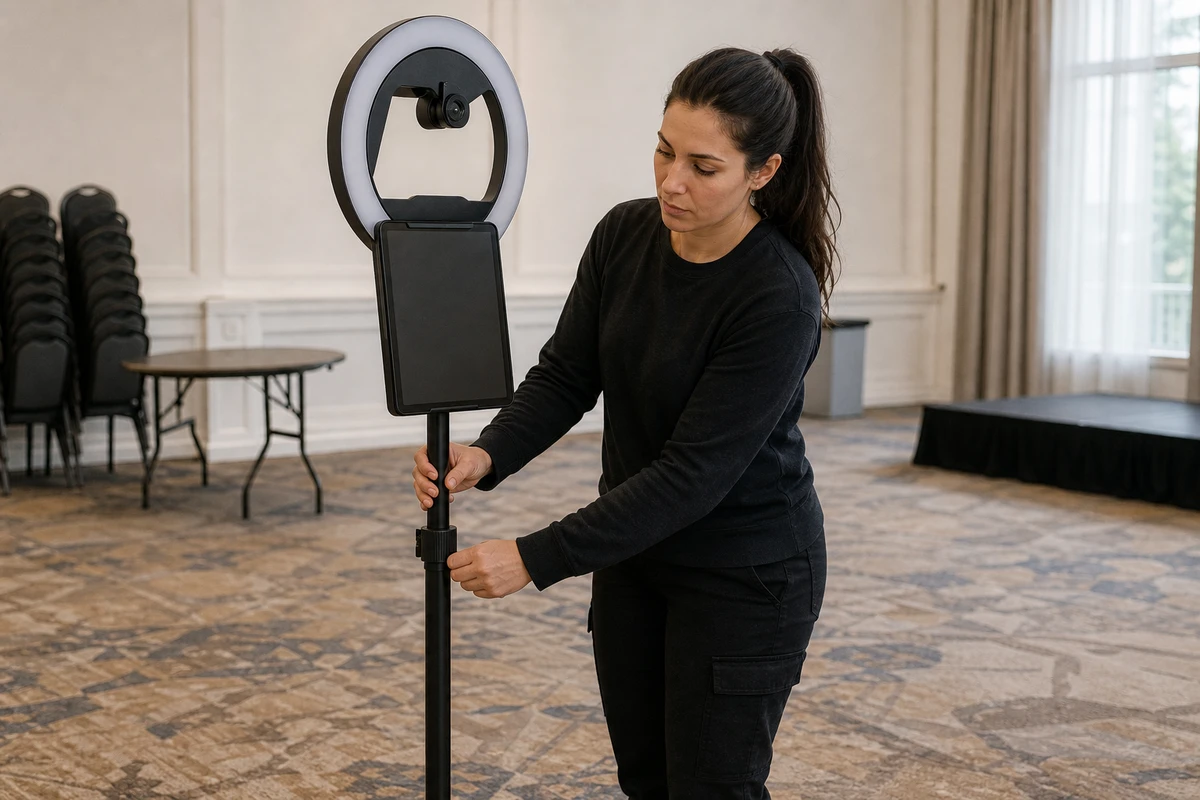
The detail generalist content misses is that reach is not only about buttons. The camera and the live preview screen decide whether the booth actually works for a seated guest. A booth framed and triggered for someone standing photographs an empty frame above a seated guest’s head, and a preview mounted high shows them nothing to pose against. Adjustable-height or tilt-capable camera mounts, and a preview visible from a seated position, are not a polish item. They are what makes the core function usable. A booth can clear every reach number for its buttons and still hand a seated guest a photo of the ceiling.
The interface problem: screen readers, captions, and the countdown
A reach-compliant booth can still shut out a blind guest entirely. Photo booth articles say “simplified interface” and move on. Kiosk articles cover the interface but never apply it to the specific moments of a photo booth.
Start with non-visual use. A blind or low-vision guest needs to start the session, pose, and retrieve the photos without seeing the screen, which means the touchscreen flow needs speech output and screen-reader compatibility. A headphone jack or other private-audio option keeps that experience from being broadcast to everyone in line. For the on-screen interface itself, the Web Content Accessibility Guidelines (WCAG 2.1) Level AA is the working benchmark kiosk integrators design to, including a contrast ratio of at least 4.5:1 for normal text. Frank Olea, founder of Olea Kiosks, put the broader point sharply to Kiosk Marketplace: “ADA has to account for so much more than just people in wheelchairs” (Kiosk Marketplace, 2025). In kiosk litigation, blind-plaintiff cases have driven much of the activity.
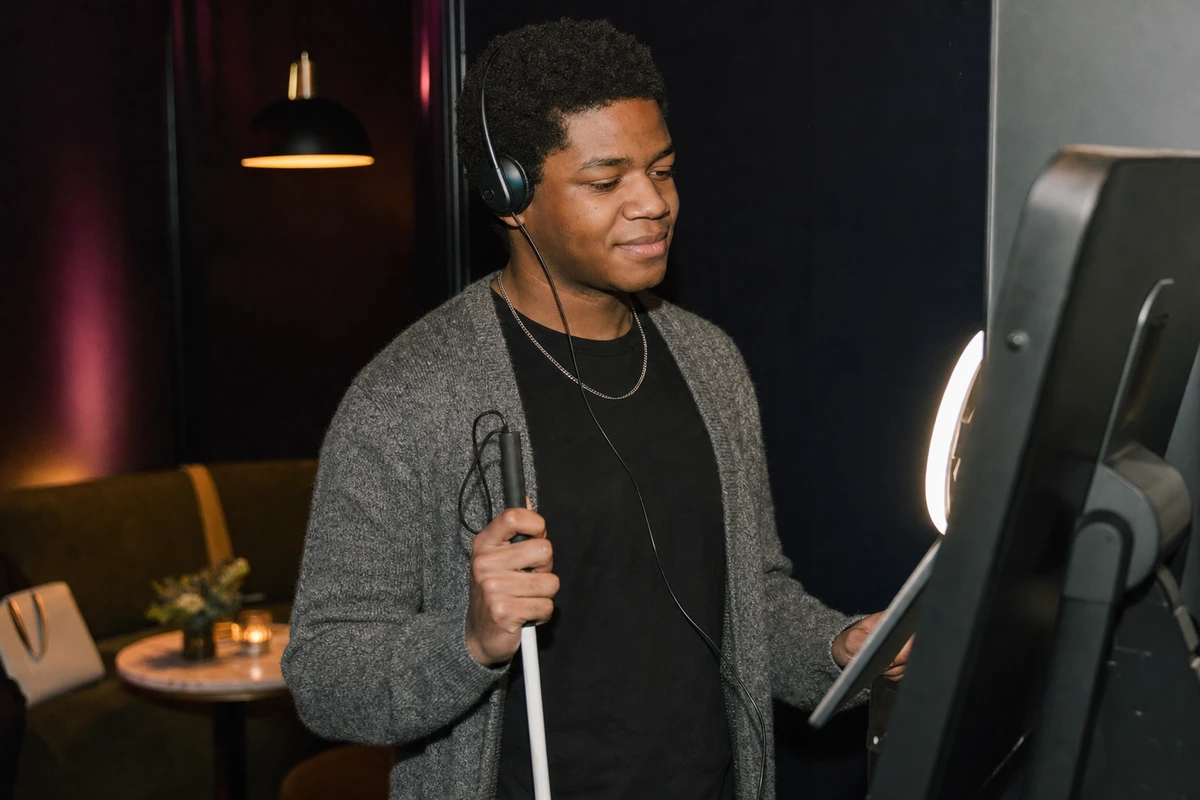
Then there is the countdown, the detail almost every booth gets wrong. The shot is signaled with a visual-only “3, 2, 1.” A blind or low-vision guest has no idea when the photo fires, so they cannot pose for it. The fix is small: an audible countdown and an audible shutter cue. Captions belong on any video or spoken prompt so deaf and hard-of-hearing guests get the same instruction. Touchless and gesture controls cut both ways here. They remove a grasping barrier for some guests and create a new one for others, the guest who cannot perform the gesture or cannot see the prompt asking for it. Offer touchless as one path, not the only path. The exit matters as much as the entrance: SMS, QR, and email delivery all have to be navigable without sight, or the booth reintroduces the barrier at the final step, after the guest has done everything else right.
Why “an attendant will help them” is a weak answer
The most common accessibility plan in the photo booth trade is a person: trained staff to assist. For a fully staffed event booth, that is not nothing. Courts have accepted that prompt, effective staff assistance can satisfy the ADA’s effective-communication obligation in some circumstances. But it is a weaker plan than it sounds, for two reasons.
First, the ADA’s benchmark is an equivalent experience, and the strong form of equivalent is independent use. The LabCorp case turned on exactly this. The named plaintiff had to wait for an employee to notice him, and the court found he was denied effective communication and, by extension, the full and equal enjoyment of the service (Seyfarth Shaw, 2024). A guest who has to flag down a staffer to do what everyone else does privately has a worse experience by design. Second, an unattended installation has no staffer at all. There, the “we’ll help them” plan does not weaken. It does not exist.
There is also revenue sitting inside this. More than 1 in 4 U.S. adults lives with a disability, 28.7% by the CDC’s current count (CDC, 2025), and a meaningful share of that affects mobility, vision, or hearing. Take a 300-guest brand activation built to capture marketing opt-ins. If even 10 percent of guests cannot finish the booth flow on their own, that is 30 people who never get a photo to share and never join the email list. At a 40 percent opt-in rate among guests who do finish, and a $50 value per email contact, the booth everyone can use is worth roughly $600 in added pipeline per activation, before counting the photos those 30 guests would have shared with their own networks. An accessible booth simply captures more, because every guest who can finish the flow is a guest who can opt in.
A pre-deployment accessibility checklist
Run this walk-through before every public-facing deployment or install. It takes a few minutes, and it is the lowest-cost protection an operator has.
Measure
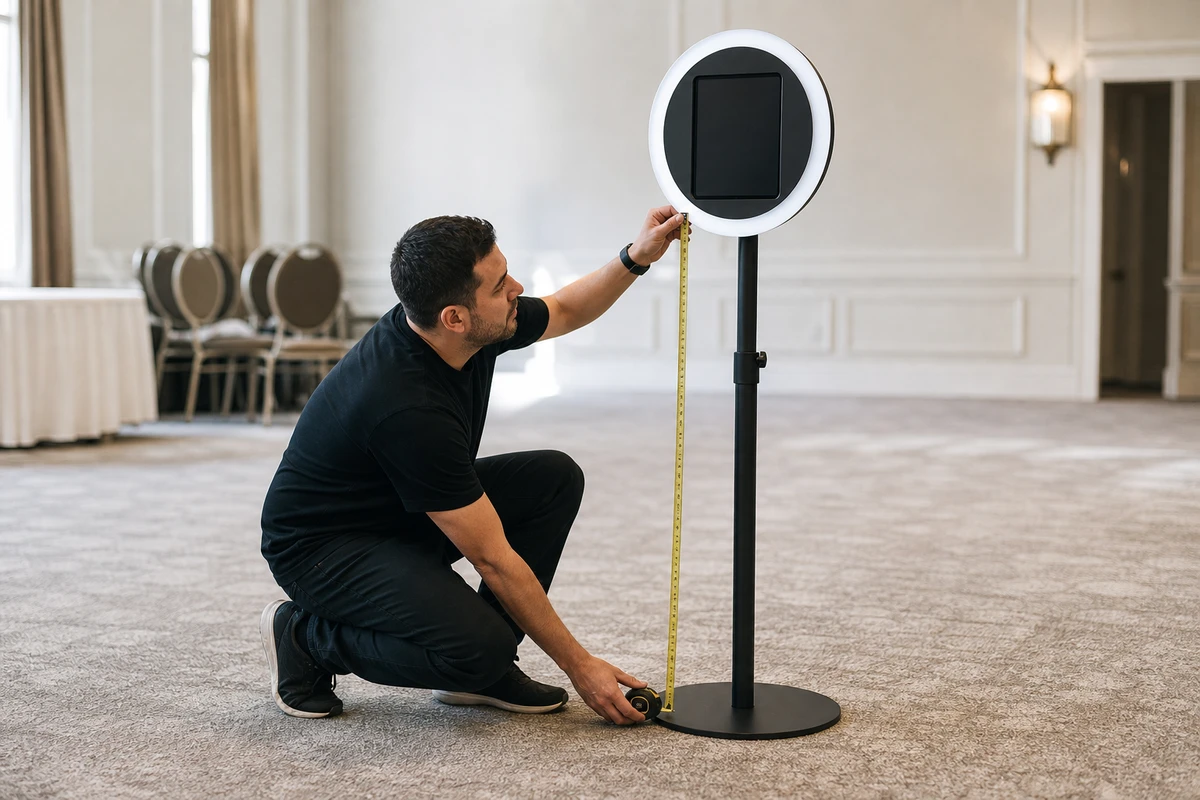
Confirm every control, the touchscreen, the camera, the preview screen, and the photo output sit within the 15-to-48-inch reach band, lower if a guest must reach over an obstruction. Confirm a 30-by-48-inch level, firm clear space with an unobstructed approach from the front or side.
Configure
Set or enable adjustable camera and screen height. Turn on speech output and an audible countdown. Check on-screen contrast and text size against the WCAG AA benchmark. Enable captions on any spoken prompt. Keep a non-gesture path available alongside any touchless mode.
Communicate
State the booth’s accessibility features in the event or activation materials beforehand, and place clear, high-contrast signage at the booth itself, with tactile or Braille lettering where feasible.
Brief staff
When the booth is attended, staff should know how to offer help without taking over, and should know the booth can be completed without them.
Document
Keep a short record of the accessibility setup for each deployment. It costs nothing, and it shows good-faith effort if a complaint ever arrives.
One well-configured booth can do all of this. A separate “accessible booth” parked in a corner is rarely necessary and tends to deliver a second-class experience to the guests routed to it.
Frequently Asked Questions
Does the ADA apply to a photo booth at a private party? It depends on how public the event is. A booth at a public-facing activation, a store, a lobby, or an open event is covered by Title III. A booth inside a private residence for a closed gathering generally is not. The practical test: if any member of the public can walk in, treat it as covered.
What height should a photo booth camera and screen be? Operable parts and the touchscreen should fall within roughly 15 to 48 inches of the floor, lower if a guest reaches over an obstruction. The camera and live preview should also work for a seated guest. Adjustable-height or tilt mounts are the reliable way to serve standing and seated guests with one booth.
Is a 360 photo booth ADA compliant by default? No form factor is automatically compliant. Some 360 booths skip a raised platform, which removes one barrier, but reach ranges, clear floor space, the interface, and an audible countdown still have to be addressed. Compliance is a deployment decision, not a product label.
If a guest cannot use a rented booth, is the operator liable or the venue? Title III liability sits with the entity operating the service to the public, often the operator and the venue jointly. Renting the hardware does not shift the duty to the manufacturer. The operator’s placement, height, and software choices are the operator’s exposure.
Is there an official ADA standard specifically for photo booths or kiosks? Not a final one. The U.S. Access Board began rulemaking on self-service kiosks in 2022 but has not issued a final standard. Operators apply the 2010 ADA Standards’ operable-parts rules and Title III’s general obligations in the meantime.
Is one booth enough, or is a separate accessible booth needed? One well-configured booth can serve everyone. Adjustable height, an independently usable interface, speech output, an audible countdown, and a clear approach let a single booth meet seated and standing guests alike. A separate “accessible booth” is rarely necessary and risks a second-class experience.
Sources
- U.S. Access Board (2010). “ADA Accessibility Standards: Sections 305, 308, and 309 (Clear Floor Space, Reach Ranges, Operable Parts).” https://www.access-board.gov/ada/
- U.S. Access Board (2022). “Self-Service Transaction Machines: Rulemaking Status.” https://www.access-board.gov/sstm/
- U.S. Department of Justice, Civil Rights Division (2026). “Title III: Businesses That Are Open to the Public.” https://www.ada.gov/topics/title-iii/
- ADA National Network (2015). “A Planning Guide for Making Temporary Events Accessible to People With Disabilities.” https://www.adata.org/guide/planning-guide-making-temporary-events-accessible-people-disabilities
- Seyfarth Shaw LLP (2024). “Ninth Circuit Green Lights Kiosk Accessibility Class Action.” https://www.adatitleiii.com/2024/02/ninth-circuit-green-lights-kiosk-accessibility-class-action/
- Kiosk Marketplace (2025). “Navigating ADA Requirements for Self-Service Kiosks.” https://www.kioskmarketplace.com/articles/navigating-ada-requirements-for-self-service-kiosks/
- Kiosk Marketplace (2017). “ADA Lawsuits Targeting Kiosks, Part 2: Why Legal Confusion Reigns.” https://www.kioskmarketplace.com/articles/ada-lawsuits-targeting-kiosks-part-2-why-legal-confusion-reigns/
- Centers for Disease Control and Prevention (2025). “Disability and Health Overview.” https://www.cdc.gov/disability-and-health/about/index.html
- W3C Web Accessibility Initiative (2018). “Web Content Accessibility Guidelines (WCAG) 2.1.” https://www.w3.org/TR/WCAG21/