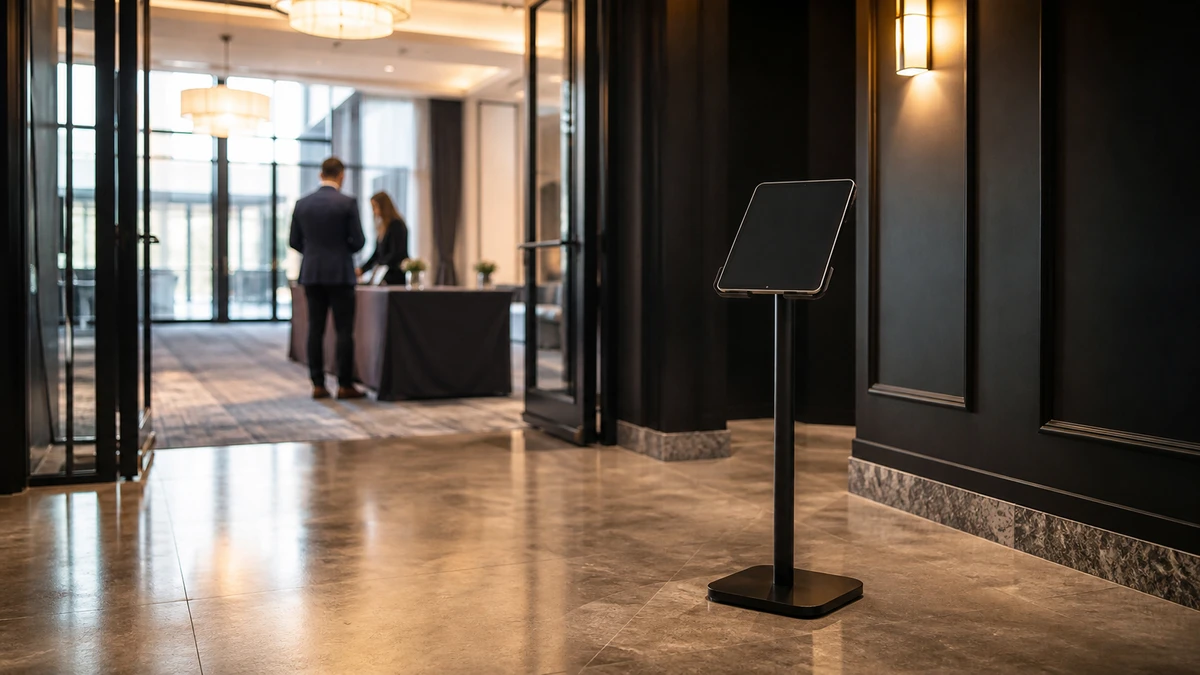
A check-in iPad sits on a stand near the doors of a hotel ballroom. The staff member who set it up is forty feet away, sorting a name-badge problem for an arriving guest. For the ninety seconds that takes, nobody is watching the kiosk. That gap, not a midnight smash-and-grab, is when most public-venue iPads disappear.
A locked “anti-theft” enclosure does not, on its own, prevent iPad theft at a public venue. What keeps a device from walking off is matching three things (the enclosure around the iPad, the base it sits on, and the cable feeding it power) to the specific ways iPads actually vanish at that venue. An iPad theft prevention security mount is not a single product to buy off a shelf; it is three layers that have to work together.
The stake is larger than it looks. The device itself runs from roughly $349 for an entry iPad to $799 for an iPad Air (Apple, 2026). The bigger loss is the check-in or activation station going dark for the rest of a multi-hour event, with every opt-in, photo, and lead it would have captured stopping the moment it does.
How iPads Actually Disappear From Public Venue Kiosks
Picking a mount before understanding the threat is how operators pay for the wrong protection. A keyed steel enclosure is useless against a thief who carries the entire stand out the door, and a bolted-down base does nothing if the faceplate pops off in three seconds. Tablets leave public venues in four distinct ways, and each one defeats a different part of the setup.
The whole stand walks off
A freestanding floor kiosk, or one with a base too light to matter, gets lifted and carried out: iPad, enclosure, lock and all. The lock is irrelevant when the thief simply takes the thing it is attached to.
The device is pried out of the enclosure
A magnetic faceplate, a thin cover, or a flimsy lock lets someone separate the iPad from the mount in seconds. Tablet-security vendor Gripzo names this the “cut-and-run,” in which “an apparently safe iPad is stolen in a matter of seconds.” This is the failure mode operators have in mind when they ask whether a faceplate is bolted or just clipped on.
The opportunistic grab
During the half-minute a staff member steps away, or at an unattended booth running on its own, an unwatched device gets pocketed. No tool, no force, just timing. InVue, in its 2024 guide to tablet security at trade shows, frames high foot traffic as the core risk: “it’s easy for opportunistic thieves to attempt quick grabs or tampering.”
Tampering instead of theft
The charging cable is pulled, settings get changed, the iPad is knocked off a counter. Nothing is stolen, but the kiosk is down, which costs the operator the same way a theft does.
Physical theft is not a fringe worry. US retailers lost $112.1 billion to shrink in 2022, roughly 1.6% of sales (NRF National Retail Security Survey, 2023). That number spans every loss category, not kiosk devices specifically, but it sets the backdrop: an unattended tablet worth several hundred dollars is a high-value individual target in an environment where theft is routine and measured. The unattended booth is the worst case for all four modes at once, because no staff member is positioned to interrupt any of them.
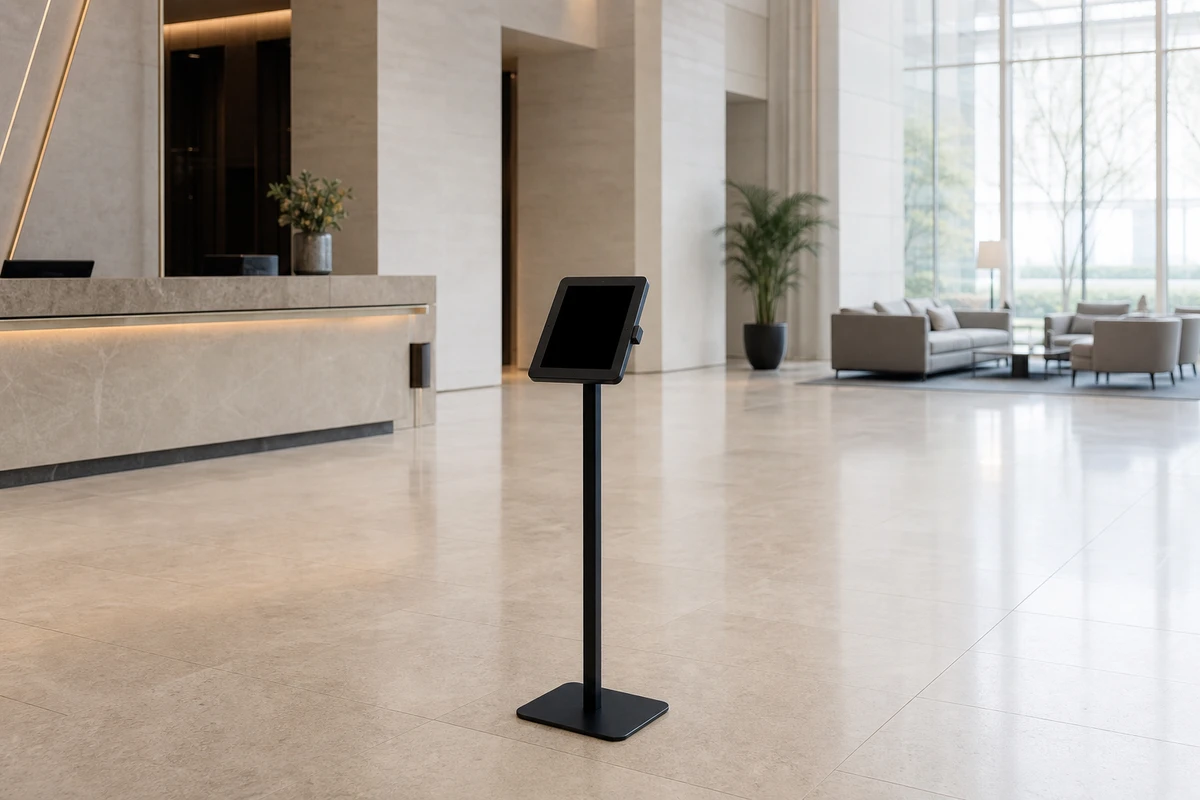
Why “Anti-Theft” on a Product Page Promises Less Than It Sounds
An operator searching for a secure kiosk meets the same word on every listing: “anti-theft.” Mount-It, Kanto, Gripzo and the rest all use it. The word does real marketing work and almost no descriptive work, and three corrections clear up what it actually promises.
“anti-theft” is a marketing adjective, not a rated standard
First, “anti-theft” is a marketing adjective, not a rated standard. Bike locks carry Sold Secure grades; many electrical products carry a UL listing. No comparable standard exists for tablet security mounts, or at least none that any manufacturer in the category points to. A buyer should read “anti-theft” as “this product has a lock,” then ask the two questions the label leaves open: locked to what, and how hard is the faceplate to remove.
A locked enclosure only protects the device as well
Second, a locked enclosure only protects the device as well as the object it is fastened to. A keyed steel case on a stand that is neither bolted down nor heavy is simply a more expensive thing to carry away. In the layered setup that follows, the anchor is usually the weakest point, not the enclosure, and it is the layer buyers most often skip.
Kiosk mode is not theft prevention
Third, kiosk mode is not theft prevention. This is the most common confusion in the category, repeated across software-focused guides. Guided Access, Apple’s built-in single-app lock, restricts an iPad to one app and can disable the hardware buttons (Bouncepad, “How to lock your iPad or tablet into kiosk mode”). That stops a guest from exiting the activation or reaching settings. It does nothing if a person picks the iPad up and walks out. Bouncepad, a kiosk-mount vendor, says so plainly in the same guide: “physical security is another essential element.” Software lockdown and physical security are separate layers solving separate problems.
The reframe: stop shopping for one “anti-theft” product, and start assembling three layers.
The Three Layers of a Secure Kiosk Mount
An operator who buys the most expensive steel enclosure on the listing and stands it on the floor has spent well on one layer and skipped two. A secure iPad kiosk is three layers, and it holds only as well as the weakest one.
Layer one, the enclosure
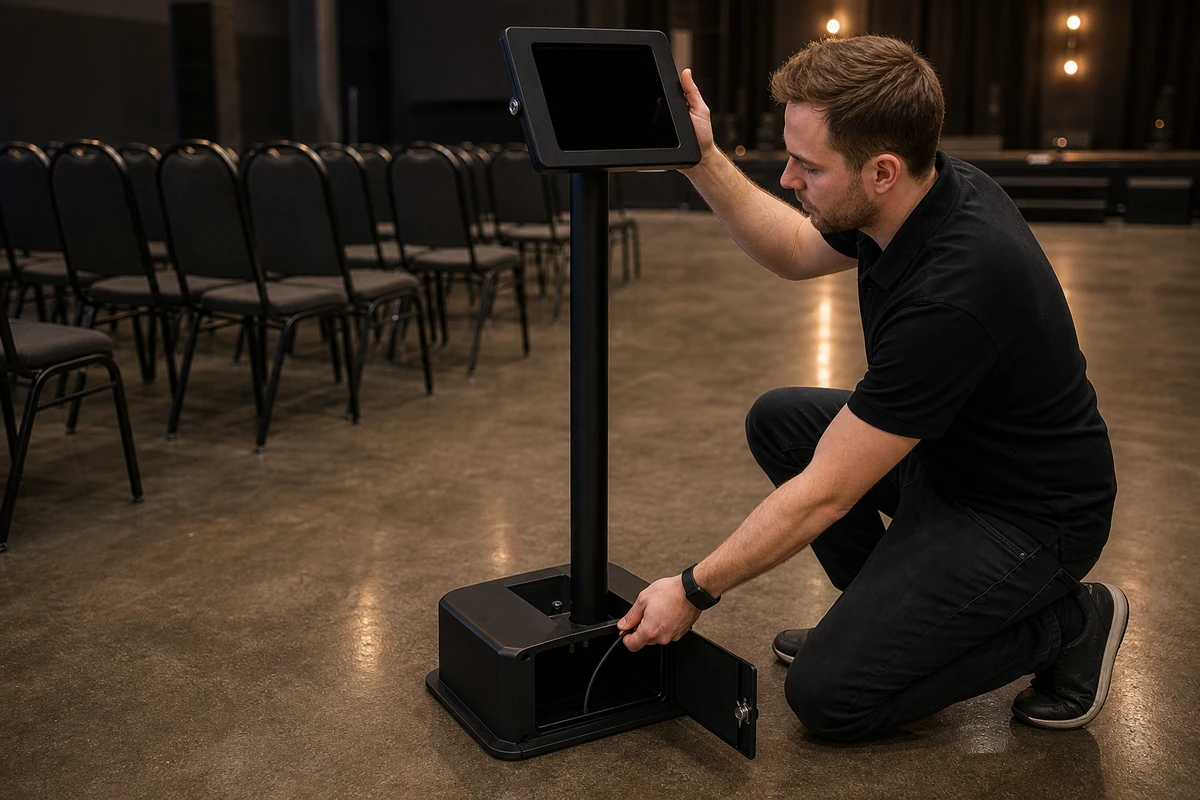
This is the case that holds the iPad. The choices run from a full enclosure that covers the device on all sides, to an open-frame holder, to a grip-style mount that clamps the edges. For a device that will sit unattended, the faceplate fastening matters more than anything else on the spec sheet: a faceplate held by bolts resists the cut-and-run, and a magnetic cover does not. The enclosure should fit the exact iPad model and generation, cover the ports and buttons, and use a real keyed lock. iPads have never included a Kensington slot or native anchor point; tablets are “not designed to incorporate an anchor point,” as Gripzo puts it, so all physical security depends on the enclosure rather than the device. Adhesive-only mounts, which Gripzo concedes “do little to stop a determined criminal,” do not belong in a high-traffic public setting.
Layer two, the base or anchor
This is what the enclosure sits on, and it decides whether the whole-stand walk-off is possible at all. The realistic options are a weighted countertop base, a bolt-down countertop plate, a bolt-down floor stand, a VESA wall mount, or a freestanding floor base. Only one of them fully removes the lift-and-carry mode: a bolted base. Kanto, whose SDS150W countertop stand can be used freestanding or fixed down, presents the bolt-down option explicitly as “extra security from theft.” A freestanding base, however heavy, can always be lifted by someone willing to try, and a wall mount removes the carry-away risk entirely. The decision driver is whether the venue permits drilling and whether the kiosk is permanent.
Layer three, the cable and tether
A locked enclosure on a bolted base can still go dark if someone pulls the power cable. Better commercial kiosks route the charging cable through the stand into a separately locked compartment. The Mount-It floor kiosk, for example, includes a built-in cabinet with its own lock for the power supply, so the cable cannot be disconnected without a key. Where the base cannot be bolted (pop-ups, leased rooms, trade show floors), a steel tether anchoring the stand to a fixed structure substitutes for the missing anchor.
Matching the Mount to the Venue
The same iPad needs a different mount in a quiet hotel lobby at 10 a.m. than in a crowded bar at midnight. Two variables decide the answer: the environment, and whether a staff member can see the kiosk.

An attended counter (a restaurant host stand, a salon
An attended counter (a restaurant host stand, a salon reception desk, a retail point of sale) has a person nearby most of the time. The dominant threats are tampering and the brief-absence grab. A countertop enclosure on a weighted or bolt-down base, with the cable secured, is enough.
An open retail floor or self-service lobby check-in has no consistent supervision. The walk-off is the dominant threat, so anchoring is non-negotiable: a bolt-down floor stand with a full enclosure.
A bar or nightlife venue is the hardest attended environment. It is crowded, dark, loud, and alcohol lowers inhibition. A full enclosure, a bolted base, and a tether are all worth running, on the assumption that the device is effectively unwatched even when staff are present.
A trade show booth or brand activation usually cannot drill into the floor, and the kiosk is temporary. A heavy weighted base plus a steel tether to a fixed structure (a truss, a wall, a counter) substitutes for bolting. The right stand locks but is still portable.
An unattended “drop and go” photo booth is the worst case and should be treated as one. That means a bolted or genuinely heavy base, a bolted faceplate, a locked power compartment, software lockdown, and Find My switched on as a recovery backstop. Every layer has to hold on its own, because no one is watching.
How to Secure an iPad Kiosk for Public Use, Step by Step
The three layers and the venue match turn into a short, repeatable setup procedure.
- Match the enclosure to the exact iPad model and generation. A universal-fit or loose enclosure leaves pry gaps at the edges. The case should be cut for that specific iPad.
- Anchor or weight the base. Bolt it down wherever the venue allows. Where drilling is not permitted, use a base too heavy to lift one-handed and add a steel tether to a fixed object.
- Route and lock the power cable. Run the charging cable through the stand into a lockable compartment, so the kiosk cannot be silently unplugged or the cable cut to free the device.
- Lock the enclosure and control the keys. Decide who holds the key, keep a spare off-site, and never leave a key resting on or near the kiosk.
- Apply software lockdown. Turn on Guided Access or an MDM kiosk profile so a guest cannot exit the app or reach settings. This is the lockdown layer, and it is separate from physical theft prevention.
- Enable Find My and Activation Lock. This does not stop a theft. It makes the stolen iPad useless to whoever takes it: Apple requires the owner’s Apple Account password before anyone can erase or reactivate the device, and that lock survives a remote wipe (Apple, 2026). It also provides a location and a recovery path.
- Position the kiosk in a staff sightline and add visible signage. A clear line of sight and a small sign noting the device is secured and tracked cost almost nothing and deter the opportunist.
- Test it before guests arrive. Have a staff member try to pull the iPad free in under a minute. If a colleague can do it, a stranger can.
The Real Cost of a Stolen Kiosk iPad
The hardware is the small number. An entry iPad starts at $349 and an iPad Air runs $599 to $799 (Apple, 2026), and that is the figure most operators picture when they think about theft. It is rarely the real loss.
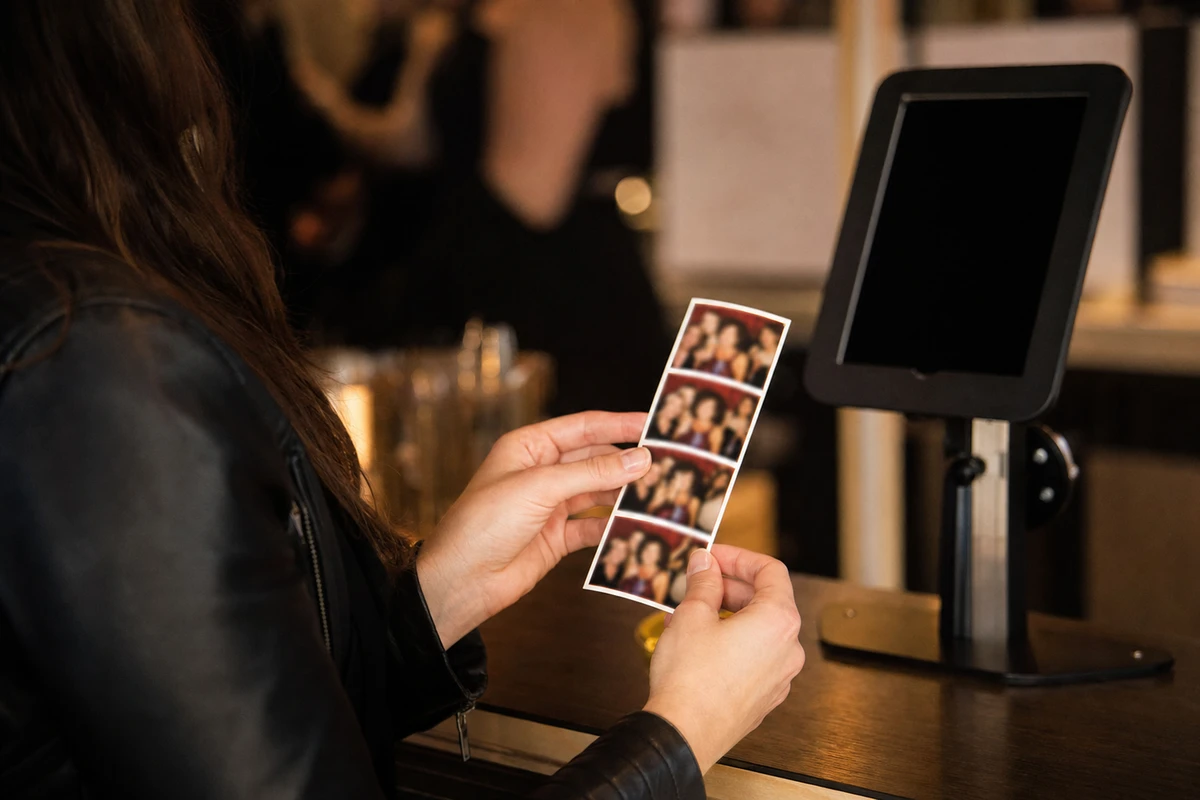
Consider a lead-capture kiosk at a two-day trade show. It collects 25 email opt-ins an hour, and the business values an email contact at $50 in eventual pipeline. The iPad is taken two hours into the first day, and with no spare on hand, the station stays dark for the remaining four hours. That is 100 opt-ins not captured, $5,000 in pipeline gone, on top of an $800 device. A venue running a higher opt-in rate, a longer event, or a larger contact value scales the loss from there; the arithmetic moves fast once the station is down for hours rather than minutes. The numbers are not hypothetical at scale: the entertainment chain Treetop Golf built a list of 150,000 unique email addresses across its venues using Simple Booth’s HALO kit, an iPad photo booth, and a list captured that way grows only while the device stays on its mount.
Against that, a commercial-grade secure kiosk is a minor cost. A steel floor kiosk with a lockable enclosure and a locked power compartment runs about $230 (Mount-It, 2026), and countertop units sit lower. The mount is the cheapest line item in the setup, and it protects the most expensive failure. The right way to decide how much to spend on security is to anchor the number not to the price of the iPad, but to the revenue the kiosk produces in the hours it would otherwise be down.
Sources
- Apple Inc. (2026). “Shop iPad.” https://www.apple.com/shop/buy-ipad
- Apple Inc. (2026). “Activation Lock for iPhone and iPad.” https://support.apple.com/HT201365
- Bouncepad (2026). “How to lock your iPad or tablet into kiosk mode.” https://us.bouncepad.com/blogs/news/how-to-lock-your-ipad-or-tablet-into-kiosk-mode
- Gripzo (2026). “iPad Anti-Theft.” https://gripzo.com/en/ipad-anti-theft
- InVue (2024). “Ultimate Guide to Tablet Security at Trade Shows: Best Practices for Exhibitors.” https://invue.com/resource-center/blog/convention-booth-tablet-display
- Kanto Mounts (2026). “SDS150W Locking Anti-Theft Kiosk Stand for iPad 10.2”.” https://kantomounts.com/product/sds150w
- Mount-It! (2026). “Anti-Theft Floor Standing Tablet Kiosk.” https://mount-it.com/products/anti-theft-floor-standing-tablet-kiosk
- National Retail Federation (2023). “National Retail Security Survey 2023.” https://nrf.com/research/national-retail-security-survey-2023